Class 4 Laser Safety: The Honest Workshop Checklist for Fiber Lasers
Running a fiber laser daily means understanding Class 4 safety. This is the honest, practical checklist we wish we had found years ago, before we learned the hard way.
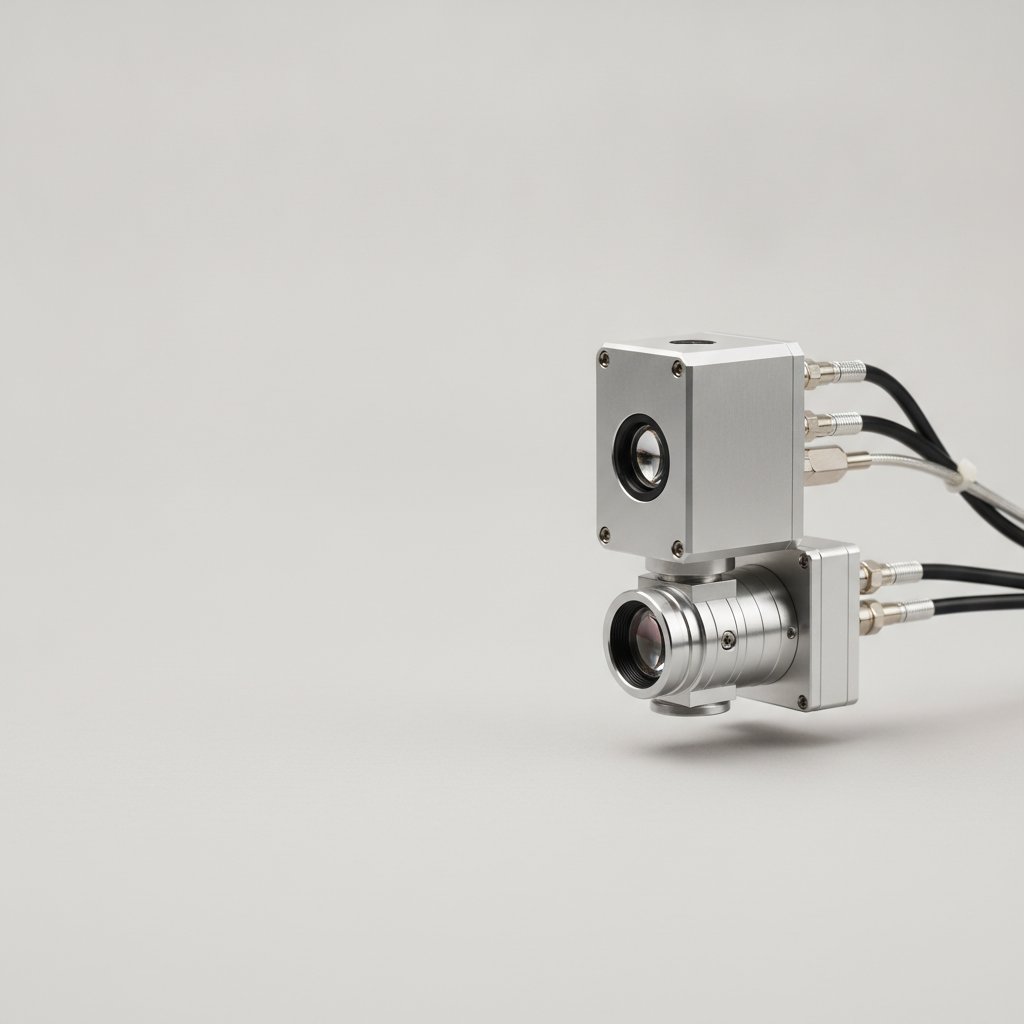
If you've just bought a fiber laser for your workshop, or if you're like us and have been running one daily for years, you know the power these machines hold. They cut, engrave, and mark metal with incredible precision. But with that power comes a serious, invisible risk. This is the no-nonsense safety guide we wish we had found when we started, losing silver to problems we didn't understand.
The Invisible Danger: Why Class 4 Lasers Demand Respect
Every fiber marking laser, including the one we use daily for our jewelry in Málaga, is a Class 4 laser. This is not a detail to overlook. A Class 4 laser means the beam and its reflections can cause permanent eye damage, instantly and silently, and can also burn skin. The critical part is that the 1064 nm wavelength our MOPA source produces is completely invisible. You will never see the beam that blinds you. It does not look like a sci-fi movie laser; it's just a spot where your vision used to be.
This isn't theoretical. We work with sterling silver, which is a highly reflective material. The beam scatters everywhere. Even a tiny, diffuse reflection from a piece of polished silver can be enough to cause serious, irreversible damage if it hits an unprotected eye.
Your First Line of Defense: Essential Safety Equipment
There are no shortcuts here. These are the absolute non-negotiables that must be in place before you even think about hitting the "Mark" button.
Certified Laser Safety Glasses
This is your most personal and critical piece of safety equipment. There is no substitute. Without them, you are risking your eyesight with every single job.
- Rating: Your glasses must be specifically rated for 1064 nm. Do not guess.
- Optical Density (OD): The OD rating indicates how much light at a specific wavelength the glasses block. For a 100 W fiber laser, you need a high OD rating. We verify ours are suitable for our machine's power.
- Always Wear Them: Everyone in the room, including visitors, must wear appropriate laser safety glasses whenever the machine is operating. "Just a quick check" is how accidents happen.
- Condition: Inspect your glasses regularly for scratches or damage. A scratched lens compromises its protection.
We cannot stress this enough: sourcing proper, certified laser safety glasses is not an area to cut costs. Buy from a reputable supplier and verify their certification. The cheap pair that came with your machine may not be sufficient.
Robust Fume Extraction and Filtration
When you cut or engrave metal, you are not just removing material; you are vaporizing it. This creates metal fume and fine particulate matter. Inhaling these can cause serious long-term health issues.
- Health, Not Accessory: Proper extraction with a suitable filter system is health equipment, not an optional accessory.
- Filter Type: Ensure your extractor has filters designed for metal fumes and fine particulates. A simple shop vac with a HEPA filter is likely not enough for daily metal work.
- Never Unattended: We never, ever leave a running job unattended. Not only for fire risk, but to ensure the extraction is functioning and the area is clear.
- Maintenance: Filters need to be replaced regularly. Check your manufacturer's recommendations for your specific filter system.
Physical Enclosures and Interlocks
The machine itself is your primary physical barrier. Most fiber lasers come with an enclosure and safety interlocks. These are your true safety layer.
Here's a crucial fact about many affordable galvo fiber lasers with JCZ controller boards and EzCad3 software:
On our machine, the door interlock check is enforced by EzCad3 in software, not by the controller board itself. With the door open, EzCad3 simply refuses to send the job. The board itself would have marked.
The door state is readable from the board's status, so software can honor it — ours (HagoLaser) has an option to refuse to mark with the door open, and it is off by default because our machine's sensor is not wired the way the check expects.
The lesson is not "interlocks are optional". It is the opposite: if your safety depends on a software checkbox, you do not have safety. Physical enclosures, physical interlocks and glasses are what protect you. Software can be reconfigured, replaced or switched off.
This means you must not rely solely on software interlocks. Physical safeguards are paramount:
- Enclosure Integrity: Ensure your machine's enclosure is fully intact, with no cracks or gaps where stray reflections could escape.
- Hardwired Interlocks: Verify that your machine has hardwired physical interlocks that prevent the laser from firing if the door is open or a panel is removed. If you can bypass it easily, it's not a reliable safety feature.
- Never Override: Do not modify or defeat physical safety interlocks for convenience. Ever.
Setting Up a Safe Laser Workspace
Beyond the equipment, your physical environment plays a big role in safety.
Designating Your Laser Zone
Your laser machine should be in a clearly defined area, separate from general foot traffic if possible.
- Clear Boundaries: Mark the area around your laser with tape or floor markings.
- Warning Signs: Post clear laser warning signs at the entrance to the laser zone.
- No Clutter: Keep the area free of unnecessary materials, especially flammable ones.
- Lighting: Ensure good general lighting so you can clearly see what you're doing.
Fire Prevention
When cutting metal, especially thin sheets from 0.25 mm to 1 mm like we do for jewelry, heat buildup and sparks are a reality. A powerful 100 W MOPA source can generate significant heat.
- Fire Extinguisher: Have a fire extinguisher suitable for electrical fires (Class C) readily accessible and clearly marked.
- Non-Flammable Surfaces: Work on a non-flammable surface inside your enclosure. Our machine's bed is metal, which is standard.
- Material Handling: Be especially careful with thin materials or those with coatings that might ignite. Always test settings on scrap first.
Daily Practices for Ongoing Safety
Safety isn't a one-time setup; it's a continuous practice. Here's what we do every day:
- Pre-Operation Checklist: Before powering up, we quickly check glasses, extraction, and the physical integrity of the enclosure.
- Constant Vigilance: While a job is running, we monitor the process. Is the extraction working? Are there any unexpected sparks or fumes?
- Scrap First: We never run a new material or a new design on a valuable piece without first testing settings on scrap material. This isn't just about avoiding material loss; it's about understanding how the laser will interact with the material safely.
- Machine Configuration Backup: Your machine's calibration and settings live in files like
Motors.ini,MarkParamlib.ini, the.corcorrection file, andLaserPW.iniwithin EzCad3'sPARAMfolder. These files are the machine's brain. Back them up regularly. This might not sound like direct safety, but losing your machine's calibration can lead to unexpected beam behavior or uncontrolled movements, which can indirectly create unsafe situations. For more on this, you might find Building an EzCad3 Parameter Library That Survives Reinstallation useful. - Knowing Your Field: Our machine has a 110 x 110 mm field, a good size for jewelry. Your field size, set by your F-theta lens, determines where the laser can operate. Always be aware of the exact boundaries your laser can reach.
The True Cost of Neglecting Safety
This isn't just about rules; it's about consequences. We've made our share of mistakes and learned from them. Here's what happens when you cut corners on safety:
| Consequence | Impact |
|---|---|
| Permanent Eye Damage | Irreversible vision loss. The most severe and immediate risk. |
| Respiratory Issues | Long-term lung damage from inhaling metal fumes and particulates without proper extraction. |
| Skin Burns | Painful, potentially scarring burns from direct beam exposure or reflections. |
| Workshop Fire | Damage to equipment, materials, and potentially the entire workshop. |
| Legal & Financial | Workplace injury claims, fines, or legal action if safety protocols are ignored. |
For us, running a jewelry workshop, losing a batch of silver to a bad setting is frustrating. Losing a team member's eyesight is unthinkable. The cost of proper safety equipment and diligent practice is always less than the cost of an accident.
Immediate Steps for a Safer Workshop
If you've read this far, you're serious about safety. Here's what we would do today, right now, if we were setting up a new machine or reviewing an existing one:
- Inspect Your Glasses: Verify your laser safety glasses are rated for 1064 nm and have an appropriate OD for your laser's power. If not, order certified replacements immediately.
- Check Extraction: Confirm your fume extraction system is robust, has the correct filters for metal, and is properly installed and maintained.
- Verify Physical Interlocks: Physically test your machine's enclosure and any hardwired safety interlocks. Do not rely on software checks alone.
- Clear Your Workspace: Designate a clear, safe zone around your laser, free of clutter and flammable materials. Mount a fire extinguisher nearby.
- Train Everyone: Ensure everyone who might be near the laser understands the risks and the safety protocols, especially wearing glasses.
- Establish a Routine: Integrate safety checks into your daily startup routine. Consistency is key.
Operating a Class 4 fiber laser is powerful, precise work, and we love what it allows us to create. But it demands respect. Stay safe, prove your settings on scrap, and protect yourself and your team.