EzCad3 & JCZ
The EzCad3 Dongle, the SDK, and What They Actually Do
The EzCad3 dongle and JCZ SDK are terms you hear, but what do they actually mean for your fiber laser? We break down the hardware, the software, and the real-world implications for
Fiber laser marking, cutting and engraving — written in a jewelry workshop that runs a JCZ/EzCad3 machine every single day.
EzCad3 & JCZ
The EzCad3 dongle and JCZ SDK are terms you hear, but what do they actually mean for your fiber laser? We break down the hardware, the software, and the real-world implications for
Jewelry & materials
Getting vibrant, consistent color marks on stainless steel with a MOPA fiber laser is possible, but it demands patience and a systematic approach. This guide shares our workshop's
Fiber laser basics
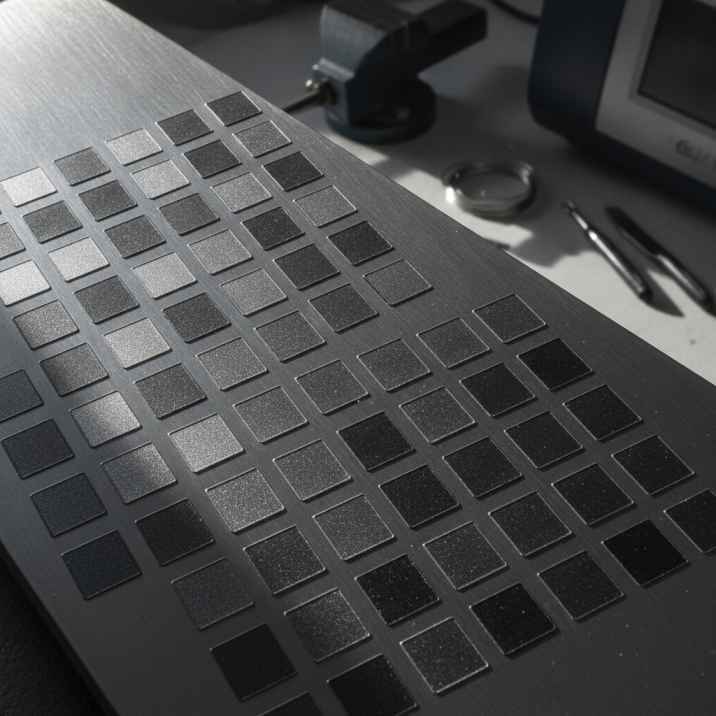
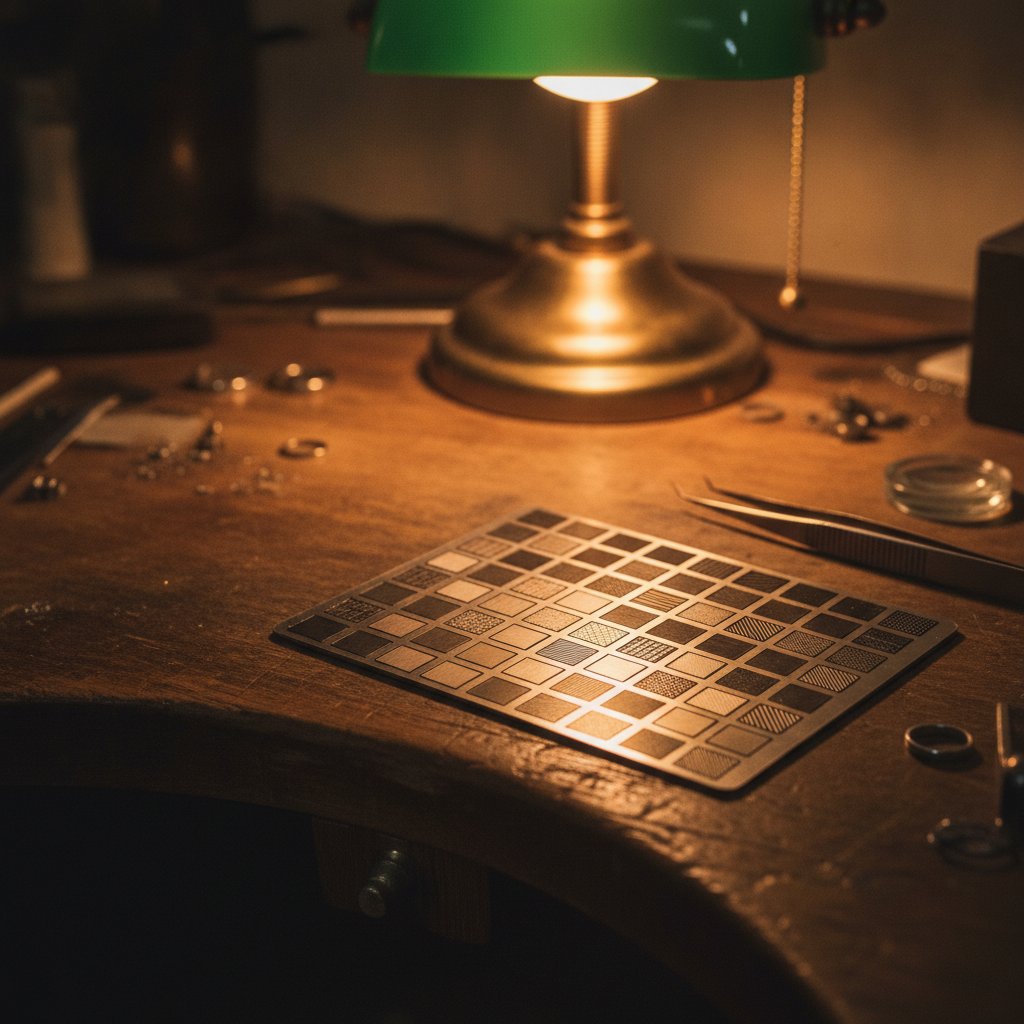
Stop guessing and start proving. Laser test grids are the fastest, cheapest way to dial in your fiber laser settings for new materials, saving you from expensive mistakes on real j
EzCad3 & JCZ
Ever had EzCad3 refuse to fire because of an open door, only to wonder if your machine's interlock is actually protecting you? We explain the difference between software checks and
Jewelry & materials
If you've cut silver on your fiber laser and expect gold to behave the same, you're in for a surprise. Gold is a different beast, and reusing silver settings will only waste materi
Fiber laser basics
Dealing with metal marking fumes is non-negotiable for fiber laser safety and health. This guide from our workshop covers what extraction equipment you actually need, and why a sim
EzCad3 & JCZ
Don't lose your engraved fills when importing designs into EzCad3. We share our daily workflow for getting SVG and DXF files into the laser software, keeping all your fills as inte
Using HagoLaser
When you download HagoLaser, you get a free, one-year licence. But what does "node-locked" mean, and how do you renew it? We explain the simple process for your workshop.
Fiber laser basics
Running a fiber laser daily means understanding Class 4 safety. This is the honest, practical checklist we wish we had found years ago, before we learned the hard way.
Jewelry & materials
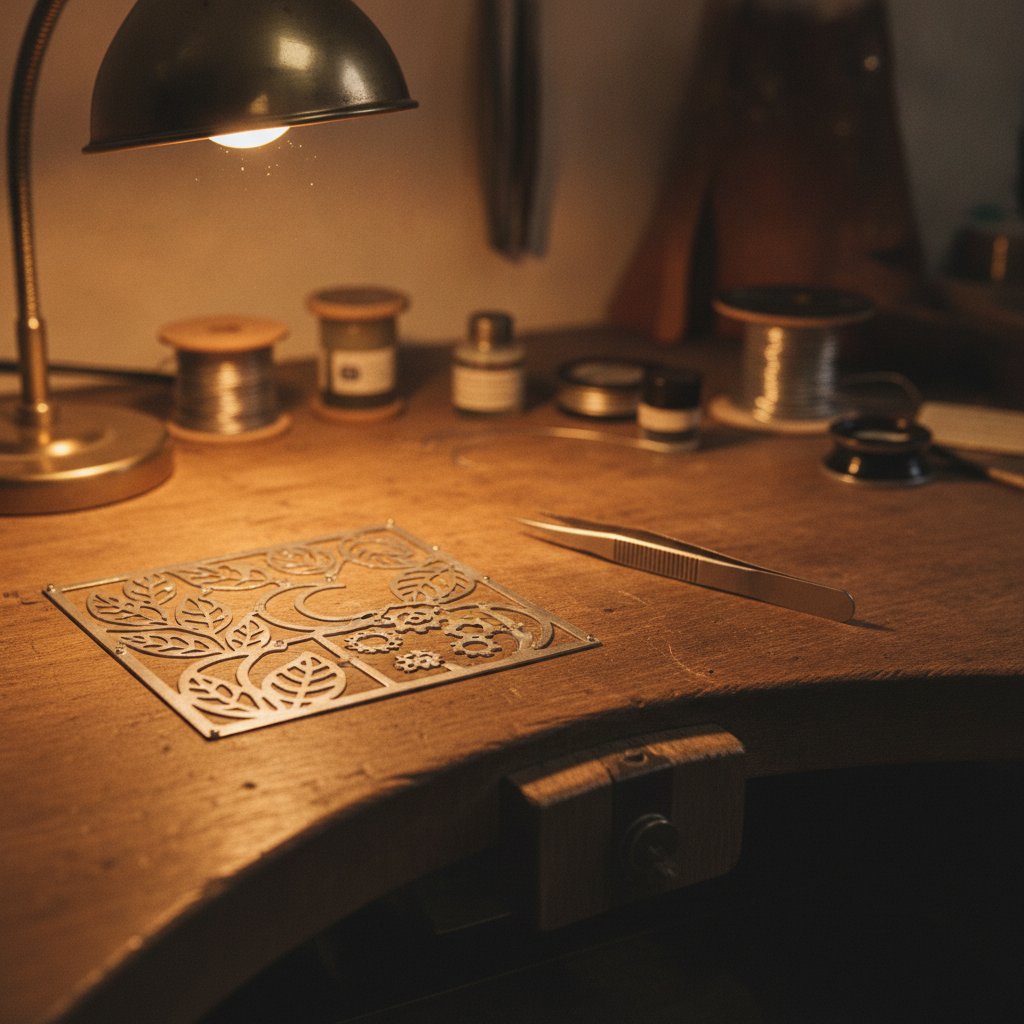
Cutting or engraving sterling silver with a fiber laser leaves a dark, oxidized edge. This is normal. Here's how our workshop polishes and finishes every piece to bring back the sh

EzCad3 & JCZ
Don't lose your carefully calibrated laser settings. We'll show you how to back up your EzCad3 parameter library and other critical machine files, step by step, for peace of mind.
Fiber laser basics
Cutting metal with a fiber laser relies on a technique called wobble. Our workshop explains why this "wiggling" beam is critical for clean cuts and how to set it up.
Using HagoLaser
Stop re-importing files and configuring layers. Our workshop workflow lets you define cuts, engravings, and 3D textures directly in your Inkscape drawing using specific colors, the
EzCad3 & JCZ
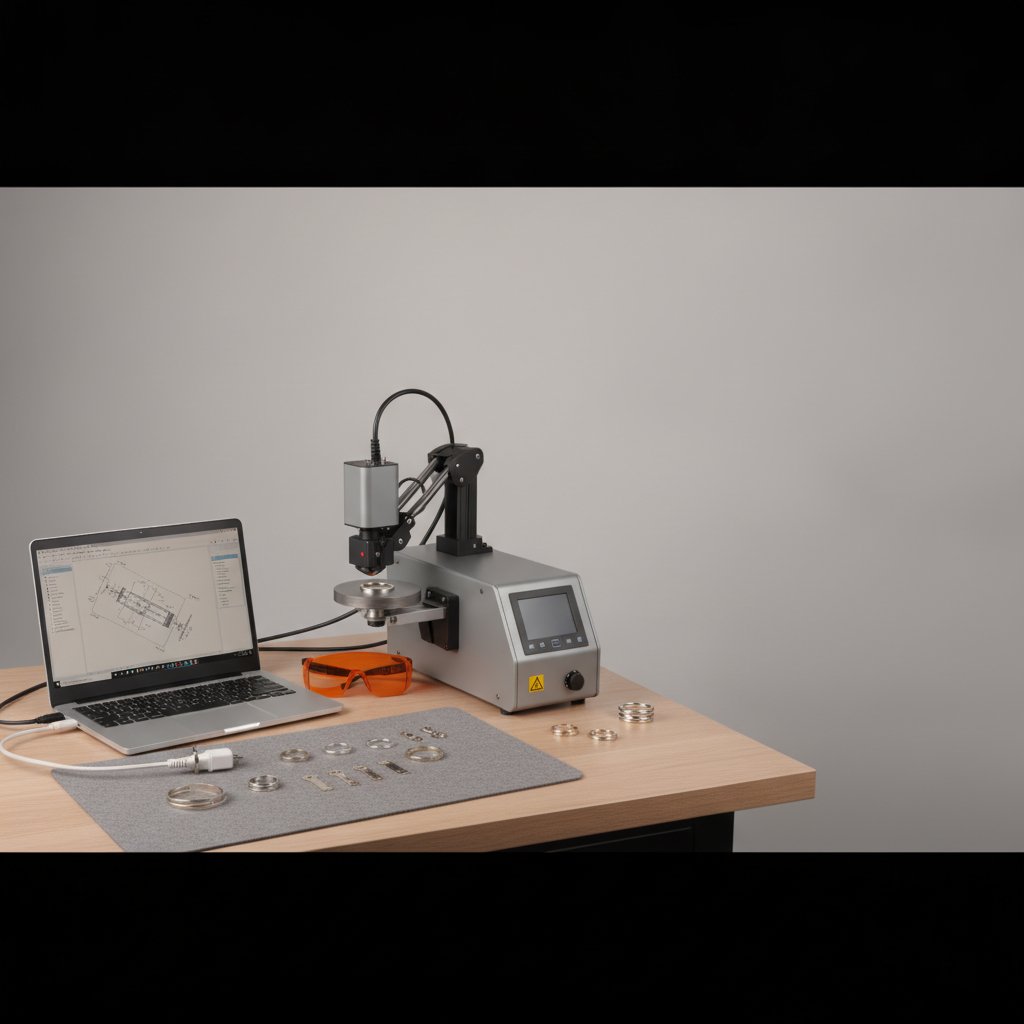
Deciding between EzCad2 and EzCad3, or wondering what an "upgrade EzCad" really means? We break down the practical differences between the software and the LMC and DLC boards they
Fiber laser basics
Ever wondered how your fiber laser turns a drawn shape into a solid, engraved area? This guide explains hatch, fill, and contour, covering the common issues and solutions we found
Using HagoLaser
Learn how our workshop turns greyscale images into detailed 3D relief engravings on sterling silver using HagoLaser. We cover the workflow, depth calibration, and smoothing artifac
EzCad3 & JCZ
Losing your EzCad3 calibration files means your galvo fiber laser forgets how to cut and engrave. Back up these four critical files today to protect your workshop from expensive do
Fiber laser basics
Using HagoLaser
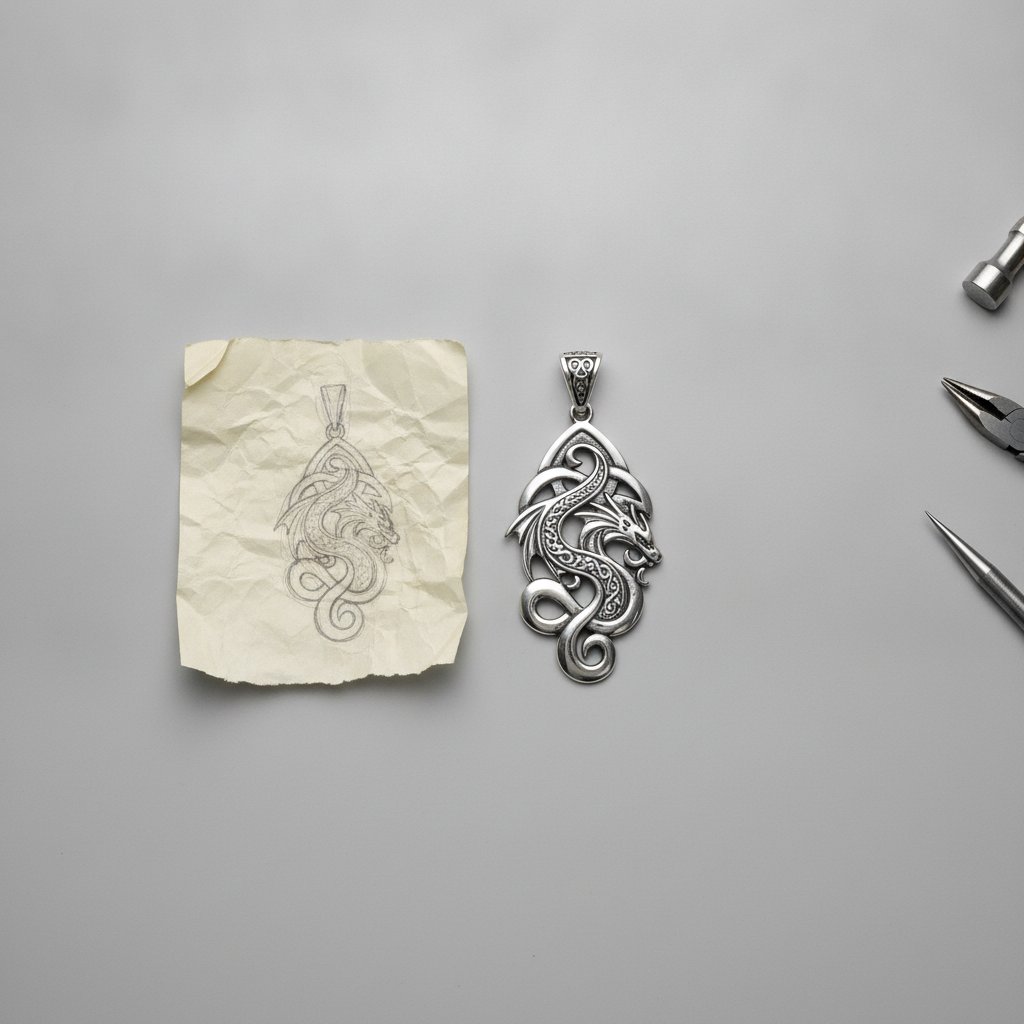
For jewelry workshops using galvo fiber lasers, the choice of software impacts daily workflow directly. We compare EzCad3, the standard, with HagoLaser, our custom solution for sil
EzCad3 & JCZ
Ever wondered where your EzCad3 machine stores its true calibration and operation settings? It's in the PARAM folder, home to files like Motors.ini and MarkParamlib.ini that make o
Jewelry & materials
Achieving real depth in sterling silver for enamel filling is a common challenge. Here's our workshop's tested recipe and process for creating sharp, deep recesses that hold color
Fiber laser basics
Understanding pulse width in nanoseconds is key to controlling how your MOPA fiber laser interacts with materials. We explain what it means and how it affects your marks on the ben

EzCad3 & JCZ
Your fiber laser's brain is probably a JCZ DLC2 board. Here's what it does, and why it's so hard to find software that works with it.
Using HagoLaser
Switching from EzCad3 to HagoLaser involves a critical USB driver change. This guide explains exactly what happens, how to do it, and how to switch back if needed, so you can get m

Fiber laser basics
As a jewelry workshop cutting and engraving sterling silver daily, we’ve seen the real-world differences between MOPA and Q-switched fiber lasers. Here’s what matters on your bench
Jewelry & materials
If you're cutting gold with a fiber laser today, this guide offers practical settings, focus advice, and calibration steps based on our daily workshop experience.
Using HagoLaser
Getting a new laser up and running, or switching software, means figuring out your machine's specific settings. This guide walks you through how HagoLaser finds your existing EzCad
Fiber laser basics
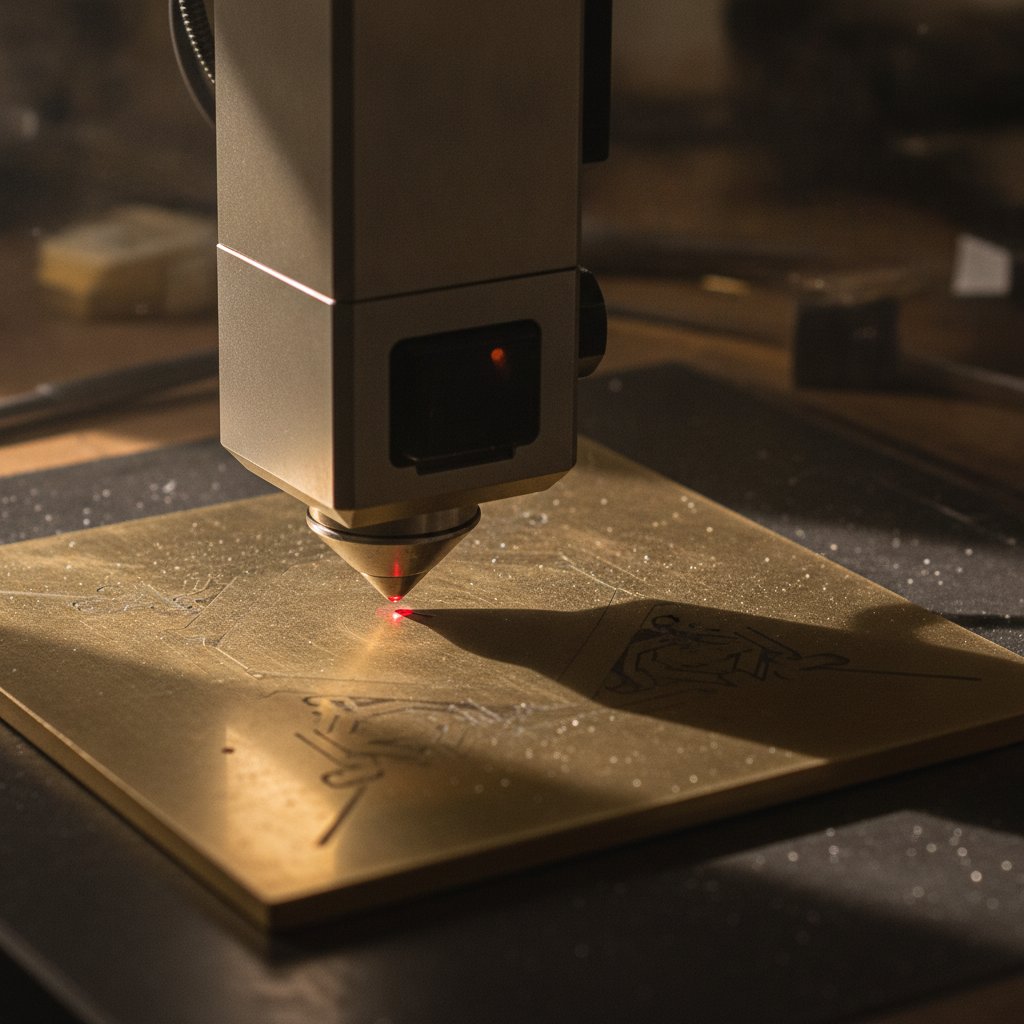
Ever wondered what truly separates laser marking, engraving, and cutting on your fiber laser? We break down the practical differences on the bench, from focus to frequency.
Jewelry & materials
If you've ever wondered why gold seems to cooperate with your fiber laser while sterling silver fights you every step of the way, you're not alone. The answer lies in physics, and
Using HagoLaser
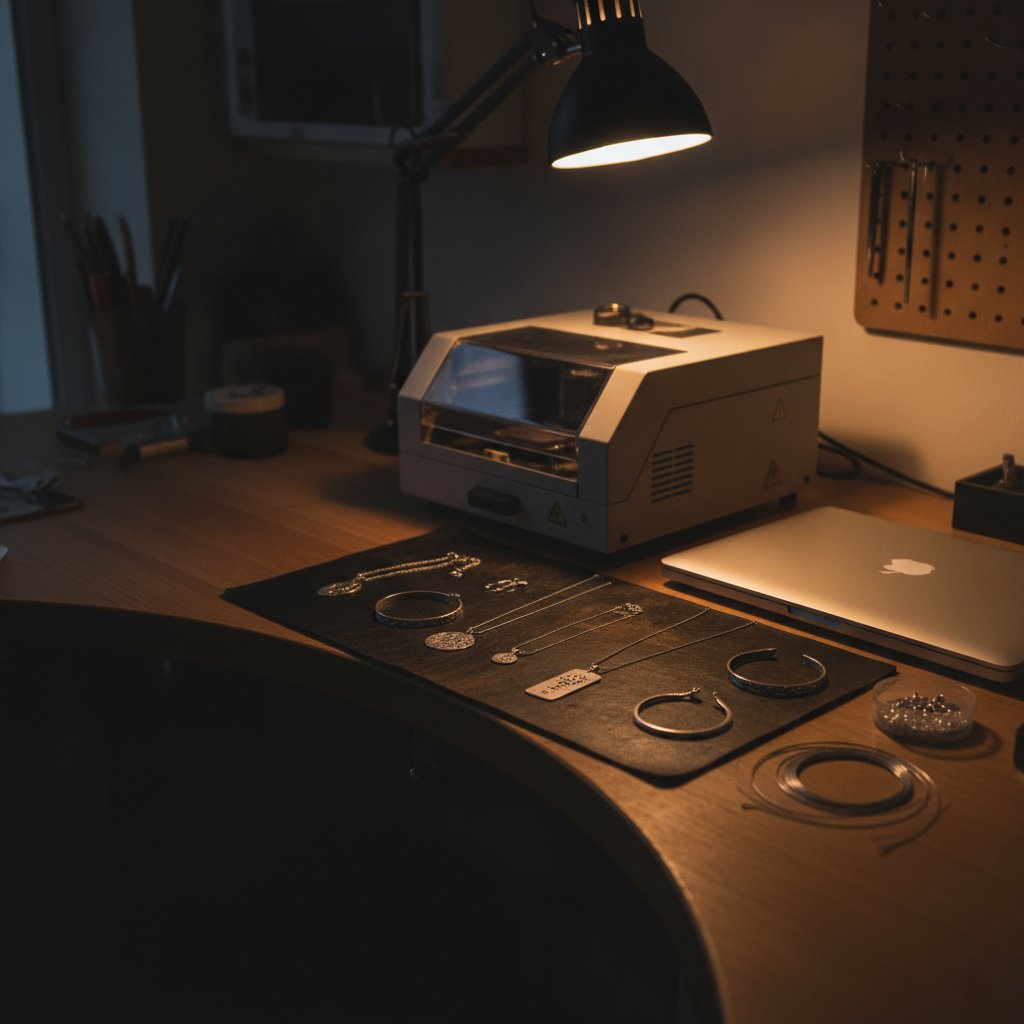
If you work with sterling silver on a fiber laser, you know the frustration of inconsistent cuts and lost material. Our workshop built HagoLaser to solve that, and the materials li
Troubleshooting
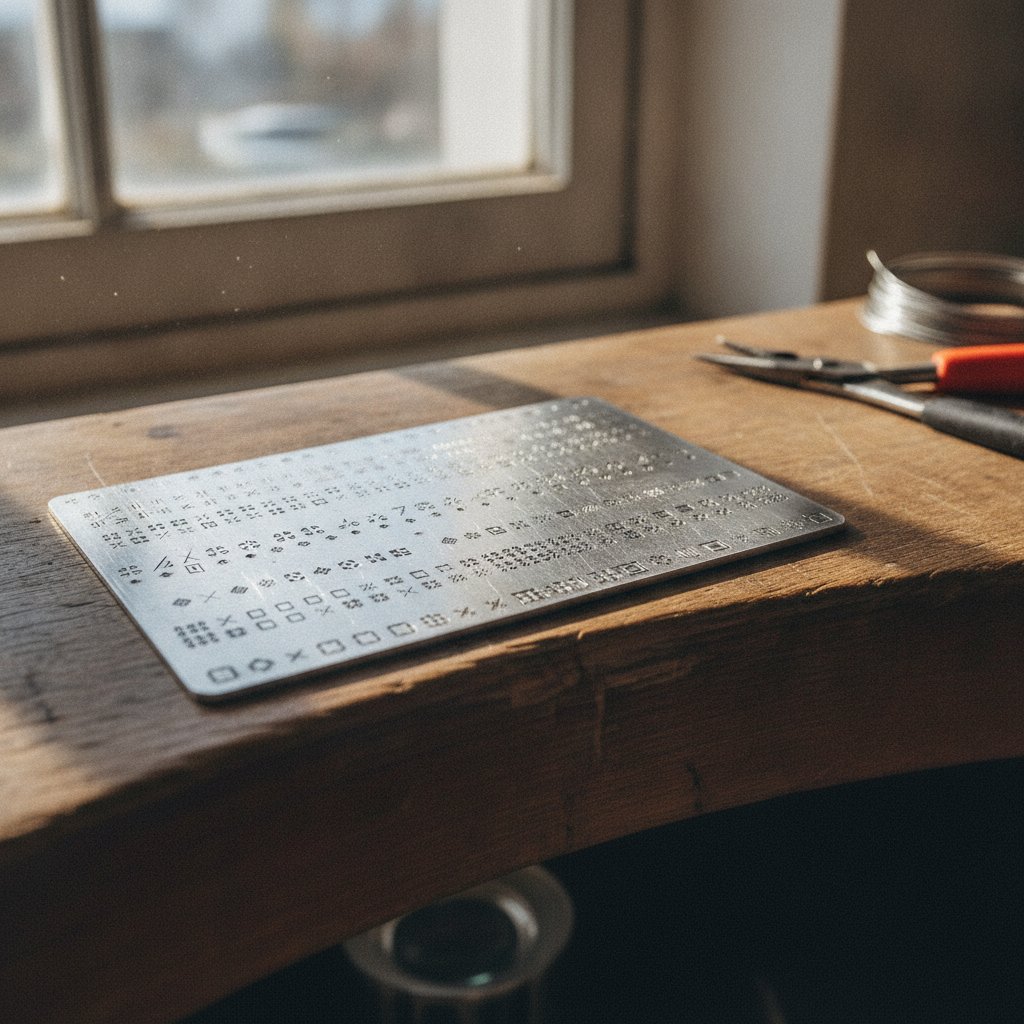
Your fiber laser stops cutting halfway through a big job, or leaves missing passes. Before you blame the machine, check these common, often overlooked, settings and causes from our
Fiber laser basics
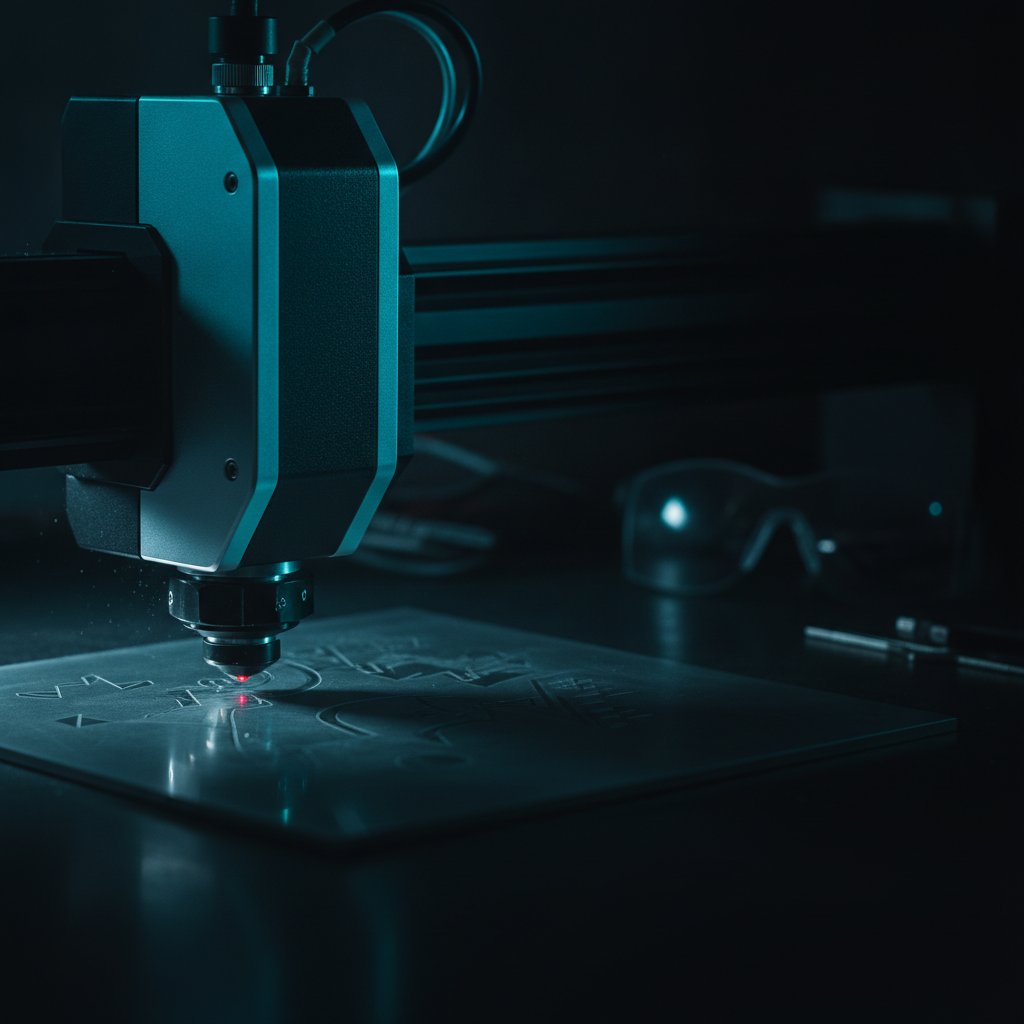
The "field size" of your fiber laser is dictated by its F-theta lens, setting the maximum area you can mark or cut without moving your workpiece. It’s a critical choice, directly i
Jewelry & materials
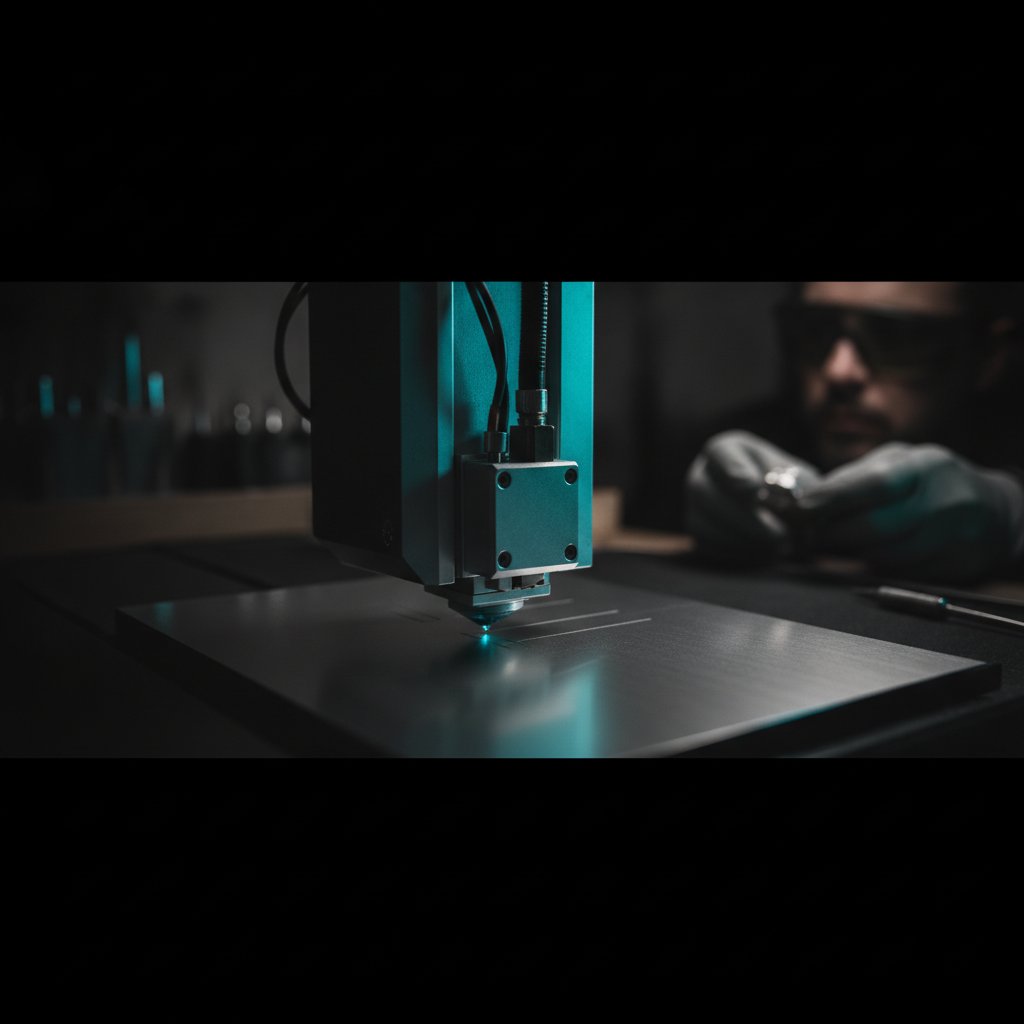
Lost silver to bad cuts? We ran into the same problems. Here's the curve we measured for cutting sterling silver on our galvo fiber laser, along with the critical settings we wish
Troubleshooting
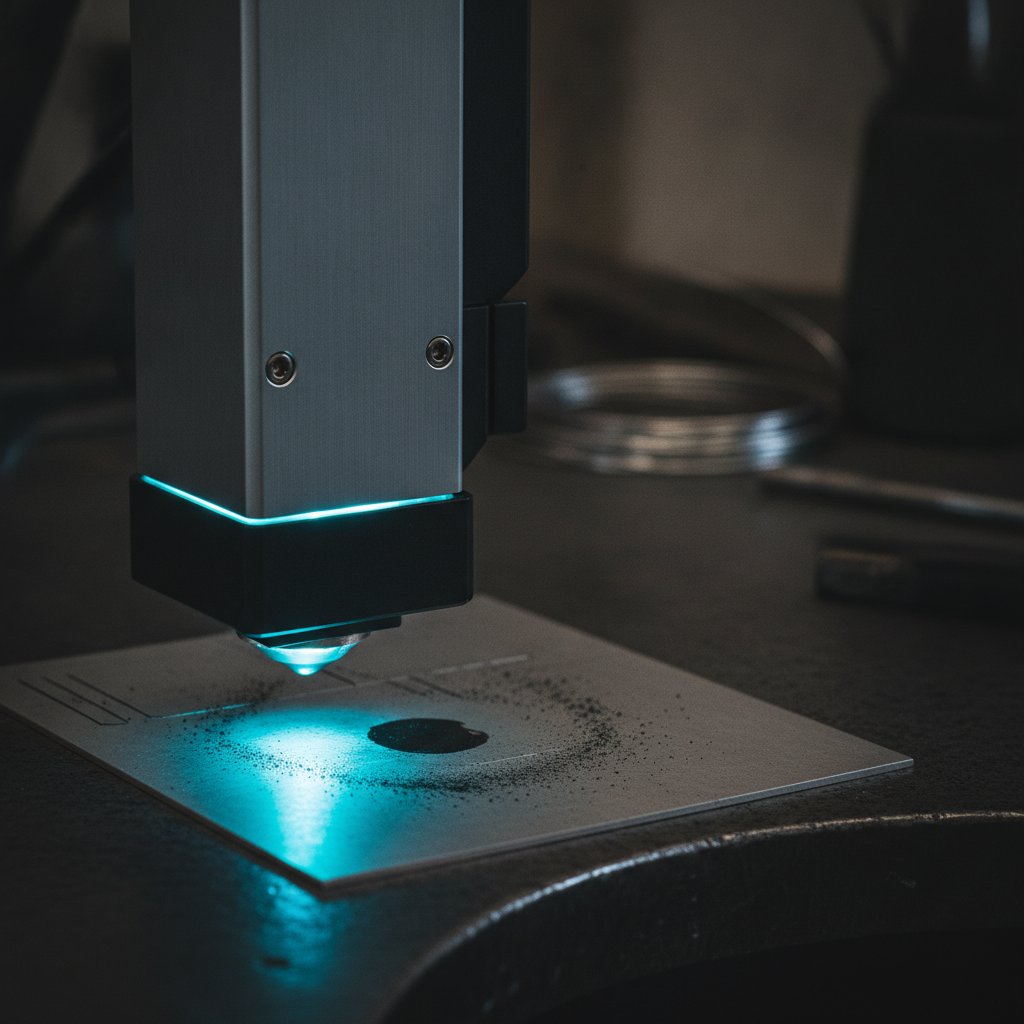
When your laser engraving comes out too dark or turns into a black blob, the most common reason is that the laser's physical spot is wider than the fine details in your drawing. We
Using HagoLaser
As jewelers cutting sterling silver every day, we needed a faster, more intuitive workflow than EzCad3 offered. We ended up writing our own laser software. This is our story from t
Fiber laser basics
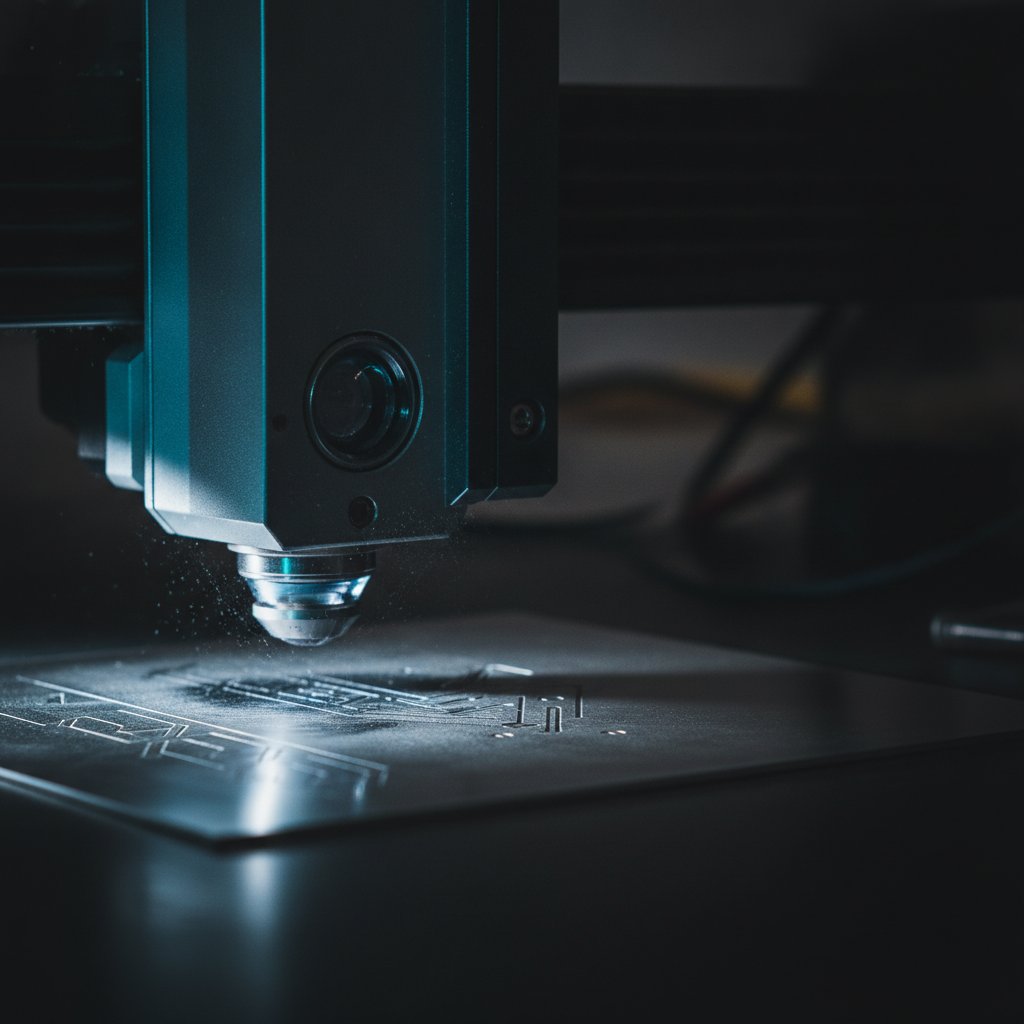
It sounds counter-intuitive: a 100W fiber laser engraving less deeply than a 30W one. We explain the physics of pulse energy and frequency, and how our workshop solved it.
Troubleshooting
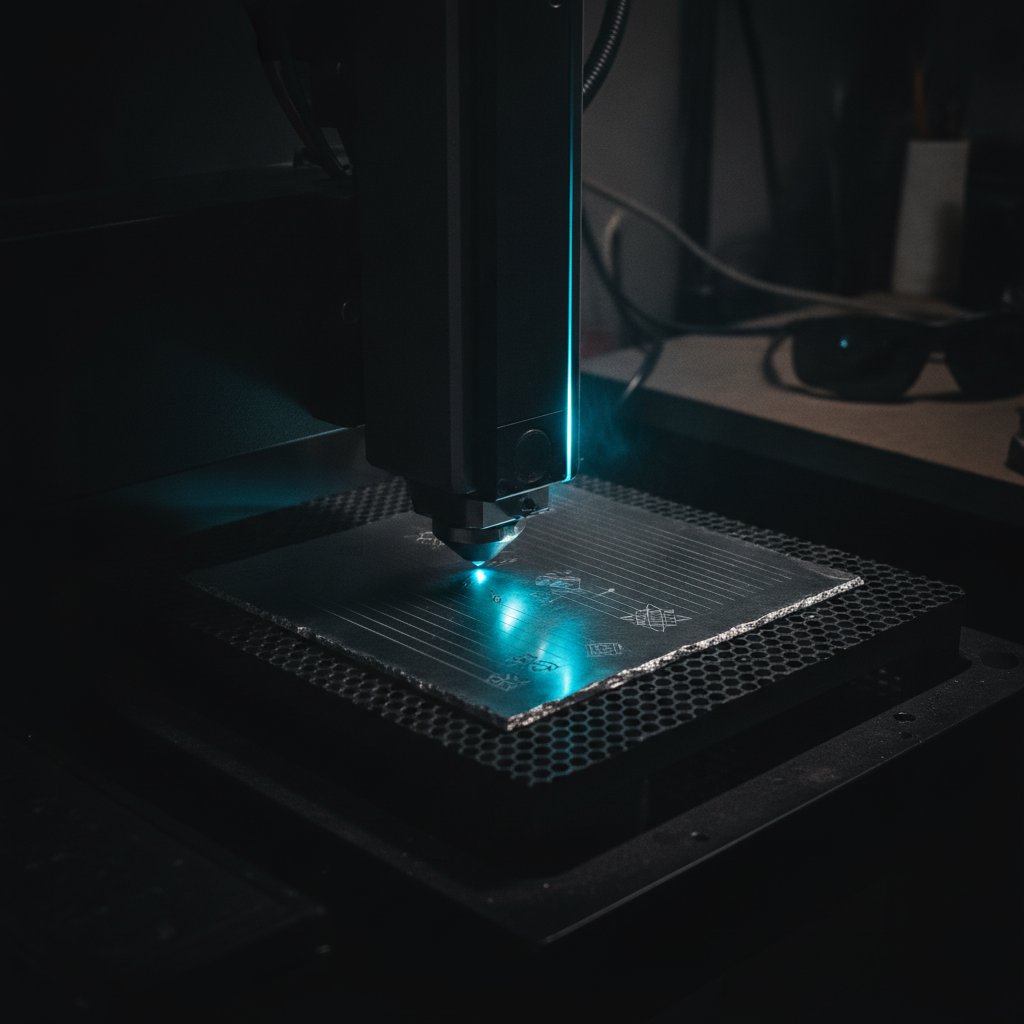
You’ve finished an engraving, but faint straight lines mar the surface. This common problem isn't your fill pattern; it's the laser jumping between marks. Learn how to fix it.
Using HagoLaser
Frustrated with complex laser settings for every design? Our workshop uses a simple color-based workflow from Inkscape to our fiber laser, making daily production fast and reliable
Jewelry & materials
We struggled for months to cut sterling silver reliably on our fiber laser. Here are the real settings, pass counts, and hard-won lessons we learned.
EzCad3 & JCZ
Struggling with EzCad3's pen parameters? We break down every setting—speed, power, frequency, pulse width, Laser Off TC—with practical examples from our silver jewelry workshop.
Using HagoLaser
If you run a galvo fiber laser with a JCZ controller, you know the daily workflow challenges. We built HagoLaser to solve them for our jewelry workshop, and it's free.
Fiber laser basics
Struggling with weak cuts on your fiber laser? The problem is often not power, but an incorrect focus height. We'll show you how to measure and set it correctly.