Hatch, Fill, Contour: How Your Fiber Laser "Paints" a Solid Area
Ever wondered how your fiber laser turns a drawn shape into a solid, engraved area? This guide explains hatch, fill, and contour, covering the common issues and solutions we found in our workshop for clean, professional results.
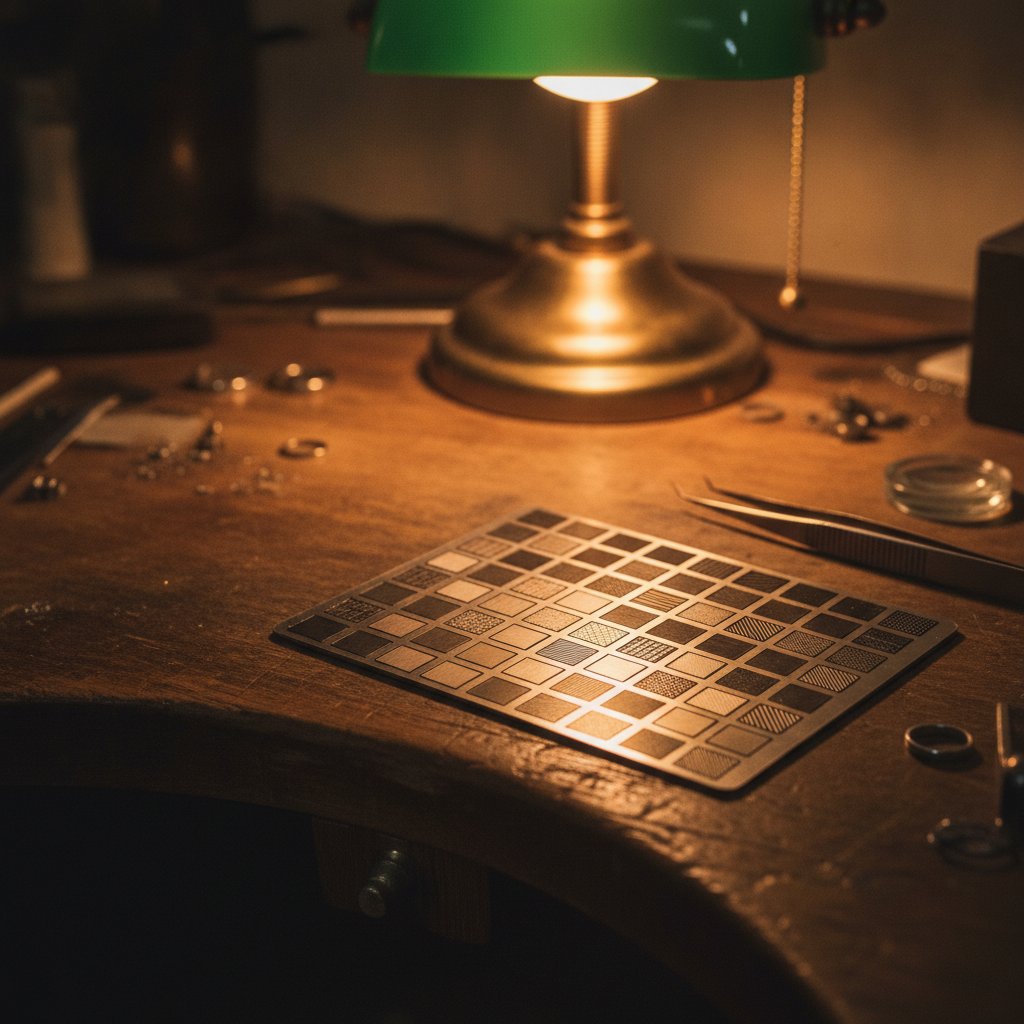
When you tell your fiber laser to engrave a solid shape, it doesn't just vaporize the whole area at once. Instead, it "paints" it in a specific pattern, much like you'd color in a drawing with a pen. This process involves hatch, fill, and sometimes a contour pass. If you've struggled with fills that look smudged, blurry, or have unexpected lines, understanding these terms is the first step to getting clean, repeatable results on your bench.
How Your Laser "Fills" a Solid Area: The Hatch Pattern
A solid fill on a fiber laser is created by marking a series of parallel lines very close together – this is the hatch. Think of it like coloring a shape with a pen: you make strokes side-by-side until the entire area is covered. The laser does the same, following a path across the designated area. The way these lines are drawn is called the fill pattern or hatch strategy.
In our workshop, we've found two main approaches:
- Sweep: The laser marks lines sequentially, like a printer head moving row by row across the page. This is usually the best option for an even, professional finish on your engraved pieces.
- Nearest-Neighbour: The laser always jumps to the closest unmarked segment. This can be faster for complex shapes by minimizing travel time, but it often results in a less uniform appearance because the marking direction changes frequently.
We initially fell into a trap with the sweep pattern: we were telling the machine to mark the connectors between rows in a serpentine fashion. Those marked connectors were the "stray lines" we chased for weeks. The solution was simple: let the machine perform a proper jump (with the beam off) between each marked row. This makes the lines simply disappear.
The core settings that define how deep and wide these hatch lines are laid down include:
- Speed: How fast the galvos move the spot. Slower means more energy per millimeter.
- Power (%): The average power from the laser source.
- Frequency (kHz): The rate of pulses. Lower frequency means fatter, more energetic pulses for a given power, which digs deeper.
- Passes / Loops: How many times the entire hatch pattern is repeated. This is the most predictable way to add depth.
For a reliable deep engraving for enamel filling in silver, for example, we've settled on:
| Parameter | Our Silver Engraving Recipe |
|---|---|
| Power | 100 % |
| Speed | 600 mm/s |
| Frequency | 30 kHz |
| Passes | 10 |
Remember, these numbers are for our machine and our silver. Always test on scrap material to prove your own settings. We learned the hard way that a 100 W source could engrave shallower than a 30 W machine if the frequency was too high, because it's the energy per pulse that does the digging, not just the wattage on the label. If you want depth, lower the frequency before you simply raise the power. You can read more about this in our article Speed, power, frequency and passes: which knob to turn first.
A quick and vital safety note: A fiber marking laser is a Class 4 device. The invisible 1064 nm beam causes instant, permanent eye damage. Always wear laser safety glasses rated for 1064 nm (with appropriate OD) when the laser is operating, and ensure everyone in the room does too. Metal is highly reflective, so reflections go everywhere. Never leave a running job unattended, and ensure you have proper fume extraction.
The Crucial Role of the Contour Pass
After the laser has filled an area with its hatch pattern, many software packages (including EzCad3, which enables it by default) will perform an additional pass right around the outline of the shape. This is the contour pass.
Its job is to define the edges of the engraved area more sharply. Think of it like drawing a crisp border around a colored shape. For small text or intricate logos, a contour pass can make the edges look much crisper and more defined. It helps prevent the "fuzzy" look that can sometimes happen when a fill meets an edge.
However, it's not always beneficial. A contour pass:
- Thickens the overall mark: It adds material to the edges, making the shape slightly larger than drawn.
- Can interfere with smooth fills: For photographic engravings or subtle textures, an extra outline can sometimes look unnatural or even create a visible line where you want a smooth gradient.
We've found that for smooth photographic fills, our reference machine engraves with fill only, no contour pass, and the result is often cleaner. For small, sharp text that needs to pop, we keep the contour enabled.
Why Your Fills Don't Look Like Your Drawing: Spot Width and Compensation
Here's a critical concept that explains why many detailed engravings turn into a blurry mess: your drawing has zero-width lines, but your laser does not. The laser beam has a physical width – a spot diameter – and every marked line comes out fattened by roughly half that spot diameter on each side.
Imagine trying to color a detailed drawing with a thick marker instead of a fine-tipped pen. All the small white gaps that define the detail – the strands of hair, the texture of fabric, the glint in an eye – get filled in and disappear. The geometry you send to the machine might be perfect, but the physical mark is not.
This is the same idea as kerf compensation in cutting, applied to engraving. The fix is to subtly shrink the area you want to mark by about half a spot diameter before the laser starts. The laser spot then fattens it back to the correct size, preserving the crucial white gaps. Our default compensation on silver is 0.05 mm, which we adjust based on the specific artwork: more compensation means finer, cleaner detail; too much and the fill starts to break up.
The Disappearing Fine Strokes
Be aware of a side effect of spot compensation: if you shrink the marked area, any stroke that was already thinner than your laser spot will shrink to nothing and disappear completely from the job. The fine line work in a drawing is exactly what vanishes first. If details are missing after compensation, check if those lines were too thin. The solution is to mark those fine features separately, at their original size, as single lines rather than as part of a compensated fill.
The Silent Killers of a Clean Fill: Stray Lines and Jumps
One of the most frustrating problems we faced was "random" faint lines appearing across our engravings, ruining intricate details and photographs. These were not part of the fill pattern. These were the jumps – the travel moves the galvos make between marked segments, with the beam supposedly off.
We identified two main culprits:
- Jumping too slowly: We initially thought lowering the jump speed would reduce leakage. The opposite is true! A slow jump gives the tail end of the laser pulse more time to drag a visible line across the work. When we put our jump speed back to 2000 mm/s (what EzCad3 uses by default), most of the stray marks disappeared, and the job ran much faster.
- Laser Off TC too short: The
Laser Off TCsetting (Time Constant) is a critical delay. Its purpose is to ensure the laser beam is completely off before the galvos start moving to the next position. If this delay is too short, the machine begins jumping with the beam still active, drawing faint lines. Our machine's EzCad3 default is 100 µs, and we learned not to shorten it.
A detailed photo engraving can involve thousands of individual marks and just as many jumps. Even a minuscule leak per jump, accumulated over ten thousand jumps, can paint a visible mesh over your entire piece, making it look dirty or smudged. By speeding up our jumps and ensuring a proper Laser Off TC, we dramatically reduced these unwanted lines.
Another technique we use is ordering the fill so that jumps stay as short as possible and, ideally, land on an already-marked (dark) area. This hides any residual leakage instead of drawing it across clean metal. This simple change cut visible jump residue by about 90% without altering the actual marks.
Beyond Surface Marks: Filling for Depth (Engraving for Enamel)
For jewelry that will be color-filled with enamel, a surface mark isn't enough. The recess needs real, measurable depth to hold the enamel material securely. This is where your hatch and fill strategy becomes particularly important.
Our confirmed recipe for deep engraving in sterling silver is designed for this purpose. The key, as mentioned, was dropping the frequency to 30 kHz to ensure fatter, more powerful individual pulses that dig deeper. We found that simply increasing power or slowing down the speed too much could lead to melting and rounded edges, which don't hold enamel as well as sharper, more vertical walls.
Our process for enamel filling:
- Engrave the recess using a deep fill recipe (e.g., 100% power, 600 mm/s, 30 kHz, 10 passes on silver). The depth is crucial here.
- Apply the enamel, filling the recess generously.
- Clean off any excess enamel from the surface of the metal, ensuring it only remains within the engraved area.
- If using kiln enamel, fire the piece.
- Once cured, the surface can be sanded flat and then polished. This is the step that creates that professional, flush finish where the color sits perfectly level with the metal, rather than in a visible dip. If your engraving isn't deep enough, sanding will simply remove the enamel.
You can find more detail on this in our specific article: Deep Engraving Silver for Enamel: Our Workshop Recipe.
Practical Takeaways for Your Bench
Getting clean, consistent fills on your fiber laser takes practice and a systematic approach. Based on our daily work in silver, here's what we recommend you prioritize:
- Understand your fill strategy: For an even finish, choose a sweep pattern with proper jumps (beam off) between rows, not marked connectors.
- Master your parameters for depth: For deep fills, remember that lower frequency often means deeper engraving per pass than simply higher power. More passes is the honest way to gain depth.
- Compensate for spot width: Shrink your marked areas by about 0.05 mm (or half your spot diameter) to preserve fine detail. Be aware that very thin lines might disappear.
- Eliminate stray lines: Ensure your jump speed is fast (e.g., 2000 mm/s) and your
Laser Off TCis sufficient (e.g., 100 µs). Order your fills to keep jumps short and on already-marked areas if possible. - Test, test, test: Every material, every machine, and even different pieces of artwork will behave slightly differently. Always prove your settings on scrap before committing to a final piece.
The journey from a blurry mess to a crisp, deep engraving is about understanding these fundamentals and then dialing in your machine's specific behavior. We've lost our share of silver learning these lessons, and we hope sharing them saves you some time and material.