Wobble: Why Cutting Metal Needs a Wiggling Beam
Cutting metal with a fiber laser relies on a technique called wobble. Our workshop explains why this "wiggling" beam is critical for clean cuts and how to set it up.
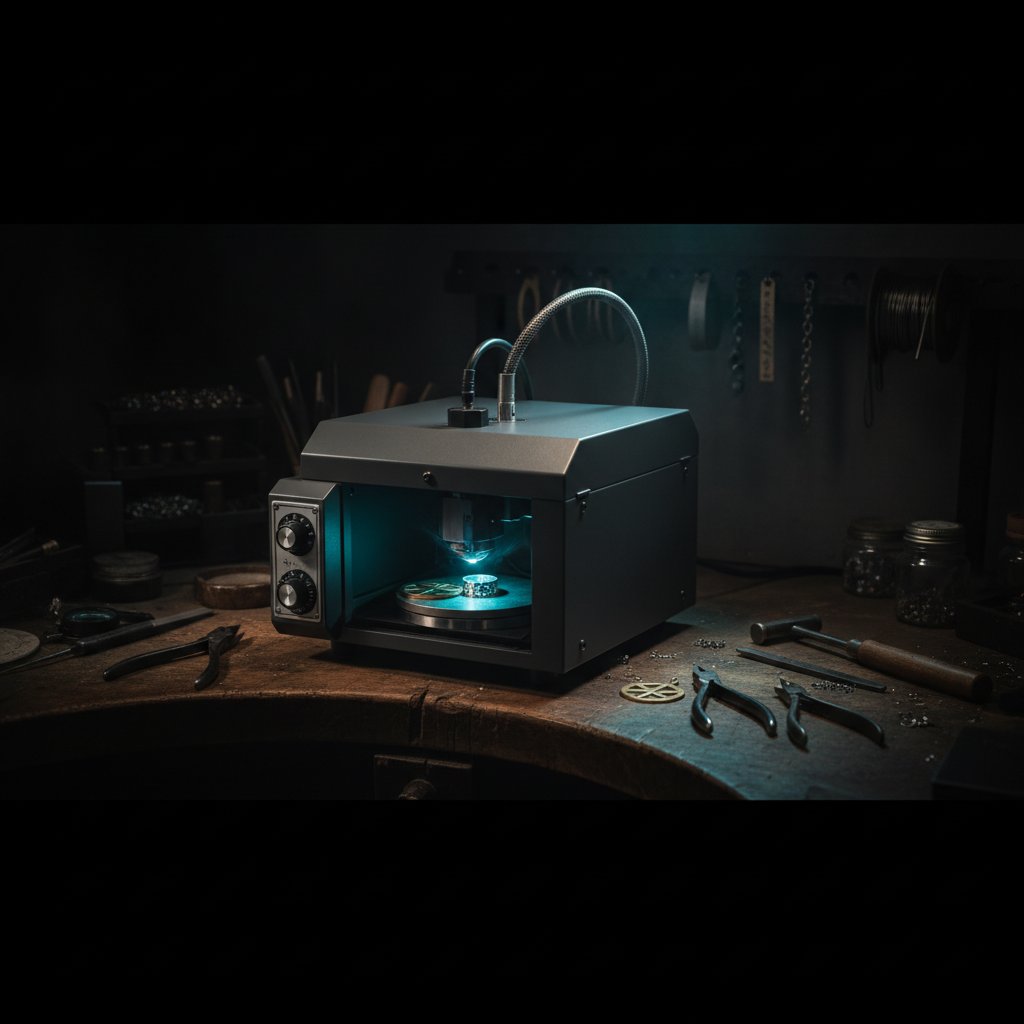
If you're trying to cut metal with a fiber laser and it just won't go through, even with endless passes, the answer might not be more power. It might be wobble. Laser wobble is a technique where the beam oscillates sideways as it follows the cut line, creating a wider path. Without it, molten metal often re-welds behind the beam, leaving you with a perfectly marked line that simply refuses to open.
What is Laser Wobble, Anyway?
Imagine trying to dig a narrow trench in sticky, wet clay with a single, thin spade. The clay you remove often falls right back into the trench, making it impossible to get deep. Now, imagine wiggling that spade from side to side as you push it forward. You'd create a wider, clearer path, and the dislodged clay would have room to escape.
Laser wobble works on a similar principle. When your fiber laser is cutting, the galvo mirrors don't just follow the vector line precisely. Instead, they quickly move the beam back and forth across that line, making the beam "wiggle." This creates a cut path – what we call the kerf – that is significantly wider than the laser spot itself. This wider kerf is absolutely crucial for cutting through metal.
Why a "Wiggling Beam" is Key for Metal Cutting
The core problem when cutting metals like sterling silver with a fiber laser is that the molten metal created by the laser beam needs to go somewhere. If the kerf is too narrow, the molten material has nowhere to escape. It cools and re-solidifies, effectively welding itself back together right behind the moving beam. You end up with a beautiful, deep engraving, but not a clean through-cut.
A wider kerf, created by wobble, provides the necessary space for the molten metal and vaporized material to be ejected from the cut. Without this escape route, the laser just works harder to re-melt metal that immediately solidifies, wasting energy and heating the workpiece unnecessarily.
This challenge is particularly pronounced with materials like sterling silver. Silver is the most reflective of common precious metals at the 1064 nm wavelength of a fiber laser, meaning much of your laser power simply bounces off. It's also an excellent heat conductor, quickly drawing heat away from the cut zone. This combination makes silver very difficult to cut, often requiring many passes – and always requiring wobble – to get through.
The Kerf: More Than Just a Line
The kerf is the width of the material removed by the laser. For engraving or surface marking, a narrow, precise line is often desirable. But for cutting, a wider kerf is your friend. It's the physical manifestation of the wobble doing its job: creating enough space for the melted material to be expelled, preventing re-welding, and allowing the beam to penetrate deeper with each pass.
Setting Up Wobble: The Numbers on Our Machine
In software like EzCad3, wobble settings are found in the parameter library, usually under the "Pen" settings. The key parameters you'll typically see are:
- Wobble Diameter: This is the total width of the oscillation, how far the beam wiggles from one side of the line to the other.
- End Diameter: The diameter of the wobble at the very end of the cut line.
- Distance: The spacing between the individual oscillations of the wobble.
For our sterling silver cutting recipes, we use the following wobble settings:
- Wobble diameter:
0.15 mm - End diameter:
0.05 mm - Distance:
0.07 mm
These numbers are specific to our machine and our material, but they give you a starting point. The important takeaway is that these are not tiny values; they create a noticeable width to the cut.
The Decimal Point That Killed Our Cuts
We learned the hard way how critical the wobble diameter is. For months, our machine simply would not cut through 0.8 mm silver, despite correct power, speed, and dozens of passes. It looked like the job was running perfectly, but the metal just wouldn't separate.
The problem? A single misplaced decimal point. Our wobble diameter was set to 0.015 mm instead of 0.15 mm. That's a factor of ten difference. A 15 micron wobble is effectively a thin line, too narrow for the molten metal to escape. Once we corrected that decimal place, our machine cut through 0.8 mm silver in 17 passes, just as it should have.
This is the single most misleading failure on a fiber laser for cutting. The job runs, the laser fires, but nothing cuts. So, if your machine suddenly stops cutting through, check your wobble diameter first, before you touch anything else.
Focus Height: The Silent Partner to Wobble
While wobble is essential for clearing the kerf, it won't work effectively if your laser beam isn't properly focused. The more concentrated the beam's energy, the faster it melts the metal. An unfocused beam spreads its energy, making it less efficient at melting, and thus, less effective at creating the molten pool that wobble needs to eject.
On our machine, the factory-calibrated focus (where the platform surface is in focus) is -59.6 mm. When cutting sheet metal, the top surface of your material is actually above the platform. So, the rule is: Z = focus + material thickness. For a 1 mm sterling silver sheet, the correct Z-height on our machine is -58.6 mm.
We've verified this on our bench: a Z-height of -58.5 mm cuts perfectly, while -56.5 mm (a mere 2 mm difference) does not cut at all. A ±0.5 mm error is barely noticeable, but 2 mm kills the cut. If your cuts suddenly get worse and you haven't changed the file, check your focus height before anything else. A bent jig, thicker material, or a platform that shifted can all make your laser seem "weaker" when it's simply out of focus.
Our Silver Cutting Recipe with Wobble
With wobble enabled and the focus correctly set, these are the starting parameters we use for cutting sterling silver on our 100 W MOPA machine. Remember, these are our numbers on our specific setup, and you must prove them on scrap material first.
- Power: 95 %
- Speed: 190 mm/s
- Frequency: 60 kHz
- Wobble: Enabled, with diameter
0.15 mm, end diameter0.05 mm, distance0.07 mm
We've found that for cutting, higher frequency works better. While lower frequencies create fatter, more energetic pulses for deep engraving, they surprisingly make cutting worse. We tried dropping to 20 kHz on 0.3 mm silver, and it took 16 passes without cutting through. Back at 60 kHz, it cut in a handful of passes.
The number of passes is your primary lever for getting through the material. Turning up the power on a job that won't cut usually just widens the kerf and heats the piece, leading to distortion, especially on thin sections. For more on how these settings interact, you might find our article Speed, power, frequency and passes: which knob to turn first useful.
Measured Pass Counts for Sterling Silver
These are the pass counts we actually use on our machine for sterling silver sheet, at the settings above. These are measured values from real metal.
| Sheet Thickness | Silver Passes |
|---|---|
| 0.3 mm | ~2 |
| 0.5 mm | ~6 |
| 0.8 mm | 17 |
| 0.9 mm | 21 |
| 1.0 mm | 28-29 |
As noted in the facts, for gold, which reflects less and absorbs more of the beam, you would expect roughly half these passes at the same settings. However, any gold recipes must be treated as starting points and proved on scrap, as karat and alloy significantly change behavior.
Safety First: Always
A fiber marking laser is a Class 4 laser. The 1064 nm beam is invisible and causes permanent eye damage instantly and silently. Always wear laser safety glasses rated for 1064 nm (with an OD suitable for your source power) and ensure everyone in the room does too. Metal is a mirror; reflections go everywhere. Never leave a running job unattended, and always use proper fume extraction with a suitable filter. Physical interlocks and enclosures are your real safety layers; software is a convenience.
Practical Takeaways: What to Check First
If your fiber laser isn't cutting metal as expected, and you suspect wobble might be the issue, here's our workshop's checklist:
- Verify Wobble Diameter: This is the first and most common culprit for non-cutting jobs. Double-check the
Wobble diametersetting in your software. Ensure it's not accidentally set to a tiny value due to a decimal error (e.g.,0.015 mminstead of0.15 mm). - Check Focus Height: An out-of-focus beam drastically reduces cutting efficiency. Measure your material thickness and set your Z-height correctly based on your machine's focus calibration (
Z = focus + material thickness). Even a couple of millimeters off can prevent a cut. - Maintain High Frequency for Cutting: For cutting through metal, especially silver, stick to higher frequencies like 60 kHz. Lower frequencies, while great for deep engraving, can impede through-cuts.
- Use Enough Passes: Once wobble and focus are dialed in, adjust the number of passes. This is usually more effective than just cranking up the power, which can distort your work.
- Test on Scrap: Always, always test new settings or new material on scrap of the same thickness and alloy before committing to a finished piece. Our numbers are a starting point for your own machine.