Free Software for EzCad3 and JCZ Fiber Lasers: Meet HagoLaser
If you run a galvo fiber laser with a JCZ controller, you know the daily workflow challenges. We built HagoLaser to solve them for our jewelry workshop, and it's free.
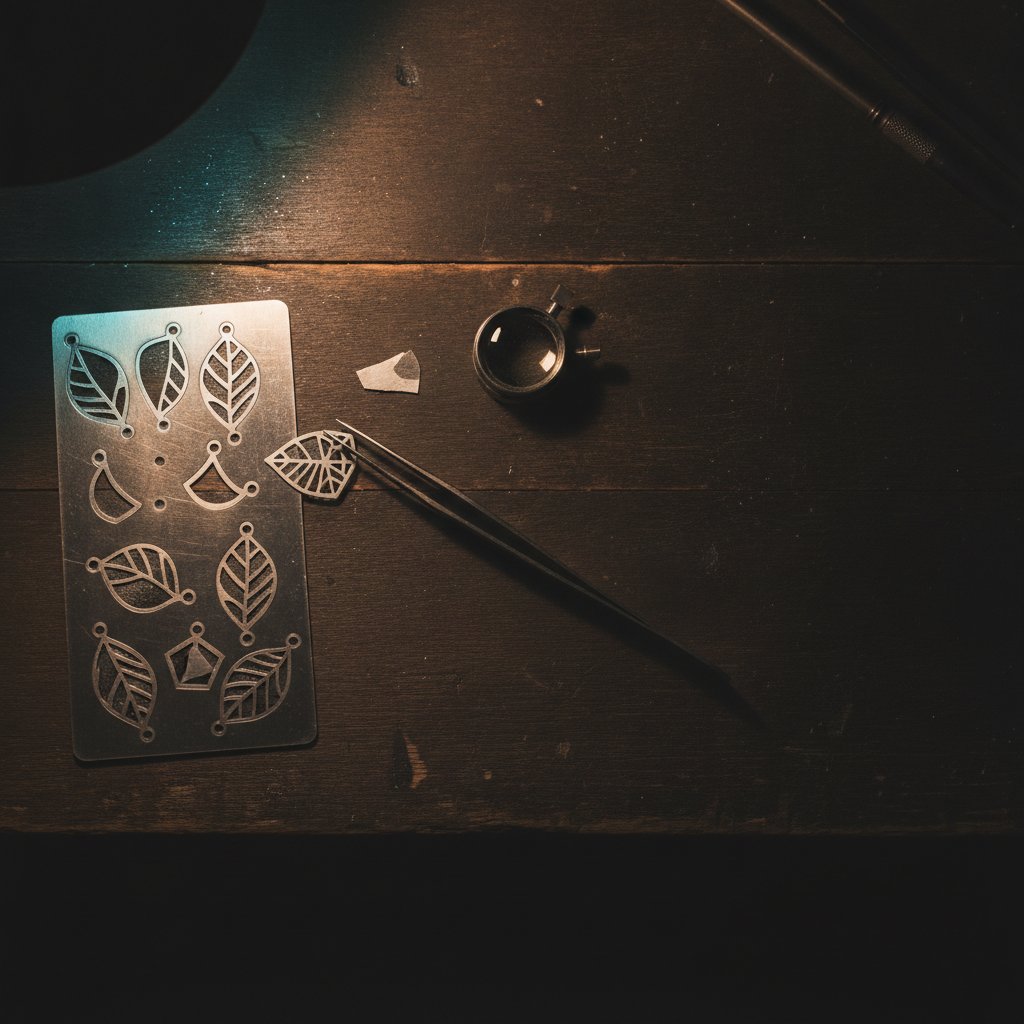
If you're reading this, chances are you own a galvo fiber laser that came with an EzCad3 controller, or you're thinking about getting one. You might have heard about alternative software, but it hasn't quite clicked how it could fit into your daily work. We know that feeling because we were there a couple of years ago, losing precious sterling silver to trial-and-error that didn't need to happen. This is the guide we wish we had found.
HagoLaser is a free laser software designed by our jewelry workshop in Málaga, Spain, specifically for machines with JCZ DLC2 boards. It offers an EzCad3 alternative workflow focused on speed and consistency for cutting and engraving sterling silver, and it talks directly to your laser.
What EzCad3 and JCZ Boards Are (and Why it Matters)
Most affordable galvo fiber lasers ship with a controller board from Beijing JCZ Technology Co., Ltd. – often simply called a "JCZ board." If your machine is a newer model, it likely has a DLC or DLC2 board, and the software that came with it is EzCad3. The board is the brain of your laser: your computer sends it a list of commands, and the board then precisely drives the galvos (the mirrors that steer the laser beam) and fires the laser source in real time.
The practical consequence for a workshop like ours, or any buyer, is that you are, in practice, married to the software that came in the box. This is because the SDK (Software Development Kit) for these DLC2 boards is licensed separately by JCZ. It isn't included when you buy the machine or its dongle, so third-party software support is very thin. EzCad3 itself does a fine job of driving the hardware, and we don't claim it's bad software. Our complaint was always about the daily workflow for intricate jewelry designs.
EzCad3 also keeps all your machine's critical configuration in its PARAM folder. This includes:
Motors.ini: Your machine's axis and focus height data.MarkParamlib.ini: Your library of marking parameters (often called "pens")..corfiles: Your galvo correction files, which ensure the beam draws accurately across the entire work area.LaserPW.ini: The laser source power table.
These files are the absolute calibration of your machine. Always back them up before you touch anything!
The Workflow Problem We Faced (and How We Solved It)
In our workshop, Joyería HAGO, we cut and engrave sterling silver on our 100 W MOPA fiber laser every working day. We process silver sheet from 0.25 mm to 1 mm. With EzCad3, designing and preparing a job meant navigating layers, setting up parameters in dialogs, and making sure every element had the correct "pen" applied. When you're making dozens of unique jewelry pieces a day, this process quickly becomes a bottleneck and a source of errors.
Our solution was to develop a "color workflow." We draw the piece in Inkscape, a free vector graphics program, using flat colors to tell the software what each line is for. For us, the convention became:
- Black for inner cuts
- Purple for outer cuts
- Blue for engraving
The drawing itself became the job. There are no layers to configure and no dialogs to walk through for each element. A new design is drawn, colored, and ready to fire without touching machine settings beyond picking the material. It also makes designs easily shareable: another person in the workshop can open the same SVG file, pick the material, and get the exact same result. SVG fills also become engraved fills automatically, so you don't have to re-hatch anything by hand.
HagoLaser: A Free EzCad3 Alternative for JCZ DLC2 Machines
HagoLaser is a Windows desktop program built to implement this color workflow directly with your laser. It is specifically for galvo fiber lasers with JCZ DLC2 controller boards – the machines that normally run EzCad3. It talks to the board directly over USB.
We wrote HagoLaser because we needed it for our own production, not to sell software. It is completely free laser software, offered with a one-year license that you renew from inside the program. Please note that it is currently in beta and is offered as-is: this is real industrial machinery, and the user carries the risk.
Here's what HagoLaser does today:
- SVG Color Workflow: Reads your Inkscape SVG files and interprets our color conventions for different operations.
- Materials Library: Instead of individual pens, you select a material (e.g., "Silver 0.8 mm"). Every color automatically loads its own pre-configured power, speed, frequency, and pass count.
- Cutting and Engraving: Handles both vector cutting and fill engraving operations.
- 3D Relief Preview: Visualizes your engraving depth before you commit to the laser.
- Red-Light Framing: Uses the red guide light to show where your job will run.
- Foot Pedal Support: For hands-free operation.
The First-Run Wizard: Getting Started with Your Existing Setup
One of the most powerful features of HagoLaser is its first-run wizard. We know that every machine is unique. When you first install HagoLaser, it helps you get up and running on day one by looking at your existing EzCad3 installation. The wizard:
- Finds your EzCad3 installation.
- Imports your EzCad3 pens as material recipes into HagoLaser's library.
- Reads your real focus height from your
Motors.inifile. - Imports your galvo correction file (
.cor).
This is crucial: we never ship or redistribute any files belonging to JCZ/EzCad. HagoLaser simply reads what is already installed and calibrated on your machine. It also installs a custom Inkscape color palette so that the drawing colors you use in Inkscape will perfectly match the operations HagoLaser expects.
A Crucial Detail: The USB Driver Question
This is the one hurdle almost every new user hits, and we prefer to be upfront about it. To talk directly to your JCZ DLC2 board, HagoLaser needs the generic WinUSB driver to be installed for your laser's USB device. The HagoLaser installer bundles the standard tool to switch this driver.
However, there's an important caveat: while WinUSB is installed, EzCad3 will not work. The two drivers are mutually exclusive. To switch back to EzCad3, you need to uninstall the device in Windows Device Manager (remember to tick the "delete the driver software" box), and then reconnect the USB cable. The driver that ships with EzCad3 is not redistributable and cannot be used for direct access.
We tell you this before you even download the software. If you need to use EzCad3 daily, you should test HagoLaser on a machine where you can afford to switch drivers, or be comfortable with the process of flipping the driver back and forth.
Our Color Workflow in Action
Let's look at how our color workflow translates to actual laser operations. When we design a piece of jewelry in Inkscape, we assign colors based on what we want the laser to do. For example, a detailed pendant might have multiple operations:
A common reason for failed cuts is incorrect focus height. HagoLaser imports your machine's calibrated focus height from your existing setup, but you still need to ensure your material is placed correctly.
Here’s a simplified example of how we might configure a material like "Silver 0.8 mm" within HagoLaser, mapping our drawing colors to specific operations and parameters. Remember, these are settings for our machine and our material; you must always prove any settings on scrap material with your own laser.
| Color in SVG | Operation | Description (Our Workshop) | Parameters (Example Types) |
|---|---|---|---|
#000000 (Black) |
Inner Cut | Precise internal cuts for details or holes. | High Power, Low Speed, High Frequency, Multiple Passes |
#8800FF (Purple) |
Outer Cut | Cutting the exterior shape of the piece. | High Power, Low Speed, High Frequency, Multiple Passes |
#0000FF (Blue) |
Engrave | Surface marking or deeper relief engraving. | Moderate Power, High Speed, Medium Frequency, Fewer Passes |
Working with a fiber marking laser is a serious undertaking. This is a Class 4 laser, and the 1064 nm beam is invisible. It causes permanent eye damage instantly and silently. Laser safety glasses rated for 1064 nm with an OD suitable for your source power must be worn by everyone in the room, always. Metal is a mirror, and reflections go everywhere. Never leave a running job unattended. Metal marking produces metal fume and fine particulate; extraction with a proper filter is health equipment, not an accessory. Physical interlocks and enclosures are your real safety layer; software interlocks are a convenience. Anything we describe about disabling a check or going faster is a fact about the machine, never a recommendation to work unprotected.
Practical Takeaways: Getting Started with HagoLaser
If you're tired of the repetitive setup process in EzCad3 and want a faster, more consistent workflow for your JCZ DLC2 machine, especially for jewelry, HagoLaser might be what you're looking for. Here’s how we'd recommend you approach it:
- Understand the Driver: Be fully aware of the USB driver situation. If you rely on EzCad3 daily and cannot easily switch drivers, HagoLaser might not be for your primary machine yet. Consider testing it on a secondary computer or during off-peak hours.
- Backup Your EzCad3 Files: Before installing HagoLaser, make copies of your entire EzCad3
PARAMfolder. This is crucial machine data. - Install and Run the Wizard: Download HagoLaser from hagolaser.com. The first-run wizard will guide you through importing your existing EzCad3 settings, getting your focus height, pen parameters, and galvo correction into HagoLaser.
- Explore the Materials Library: Familiarize yourself with how HagoLaser maps drawing colors to material settings. You can adjust and refine these settings based on your specific silver alloys and desired results.
- Test on Scrap: Always, always test new settings on scrap material first. Our workshop uses a 100W MOPA source on sterling silver, and while HagoLaser provides a consistent framework, your laser and materials will have their own optimal parameters. Prove everything on scrap before cutting a valuable piece.
We built HagoLaser to solve real problems we faced daily in our jewelry workshop. It’s free, it’s in beta, and it offers a direct, powerful way to control your JCZ laser. We hope it helps you reclaim some time and silver.