Why EzCad3 Blocks Marking with the Door Open (and Why That's Not Real Safety)
Ever had EzCad3 refuse to fire because of an open door, only to wonder if your machine's interlock is actually protecting you? We explain the difference between software checks and genuine laser safety.
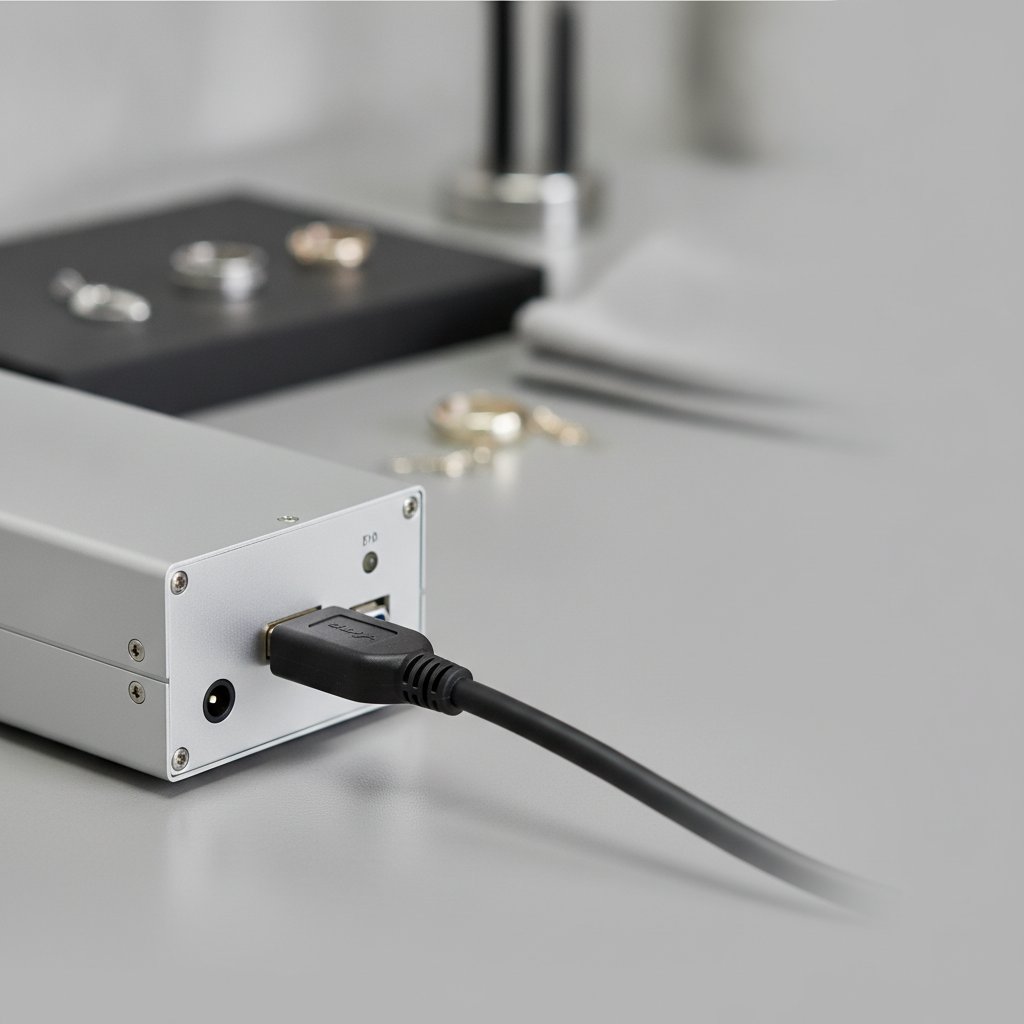
If you have a galvo fiber laser with an EzCad3 controller, you have probably seen it: you are ready to mark, the workpiece is aligned, but EzCad3 throws up a warning about an open door or interlock, refusing to send the job to the machine. What is actually happening here? Is your machine really protecting you?
The short answer is that EzCad3 is performing a software check. The controller board itself would have marked, but the software on your PC is choosing to refuse the job. This is a crucial distinction that has major implications for safety in your workshop.
The Mysterious "Door Open" Message
Most fiber marking lasers come with an enclosure, and that enclosure usually has a sensor on the access door. This sensor is often wired back to the machine's controller board. When the door is open, the sensor sends a signal, and the software — in our case, EzCad3 — interprets it.
We often hear the terms EzCad3 door interlock, laser interlock, or door IO thrown around. It sounds like a serious safety feature, and in a way, it is a convenience. Think of it like the "door ajar" warning light in your car. It tells you a door isn't closed. It is a useful reminder, but in most cars, it does not physically prevent you from driving or starting the engine. It is a signal, not a physical barrier.
Your laser's door sensor works similarly. It signals the state of the door (open or closed) to the JCZ controller board. The board then makes this status available to the EzCad3 software running on your computer.
What a Laser Interlock Should Be (and Why EzCad3's Isn't)
A true, physical laser interlock is different. It is a safety device that prevents the laser from firing independently of any software. If the enclosure door opens, a physical switch immediately and directly interrupts the laser source's power or its firing signal. This happens at the hardware level, often bypassing the controller board entirely or acting as a hardwired override. It is designed to be foolproof, not relying on a computer program to make a decision.
This distinction is vital because a fiber marking laser is a Class 4 laser. This means its beam and reflections cause permanent eye damage instantly and silently. The 1064 nm wavelength is invisible, so you never see the beam that blinds you. For this reason, a true physical interlock provides a critical layer of protection.
Here in our workshop in Málaga, working with sterling silver every day, we are acutely aware of these dangers:
- Laser safety glasses rated for 1064 nm (with an OD suitable for your source power) must be worn by everyone in the room, always. Metal is a mirror, and reflections go everywhere.
- Never leave a running job unattended. Metal marking produces metal fume and fine particulate — extraction with a proper filter is health equipment, not an accessory. You can read more about what your laser workshop actually needs for fume extraction.
- Physical interlocks and robust enclosures are the real safety layer. Software interlocks are a convenience, and they can be switched off or bypassed. Never treat software as your primary protection.
When EzCad3 refuses to mark with the door open, it is not because a physical circuit has been broken. It is because the software has received the "door open" signal from the JCZ controller board and has been programmed to halt the operation based on that input.
How EzCad3 Handles the Door State
Most affordable galvo fiber lasers ship with a controller board from Beijing JCZ Technology Co., Ltd. (BJJCZ), often simply called "JCZ." Our machine, for example, uses a DLC2 board. The board is the actual brain that runs the job; your PC sends a list of vector and marking commands over USB, and the board buffers them, then drives the galvos and the laser source in real time.
The JCZ board is capable of reading the state of various inputs, including the door sensor. This information is part of the board's status, which EzCad3 can query. When EzCad3 sees the door is open, it simply refuses to send the marking commands to the board. The important part here is that the board itself, if it were to receive the commands, would execute them, even with the door open. It is EzCad3, the software, that is making the decision not to proceed.
Machine configuration, including how EzCad3 behaves, is stored in its PARAM folder. Files like Motors.ini (for axis and focus data), MarkParamlib.ini (your parameter/pen library), and the galvo correction file (.cor) are critical. While the door interlock isn't typically a user-configurable setting within these files, the fact remains that it is a software-level enforcement.
The Crucial Difference: Software vs. Hardware Control
Imagine a traffic light. A red light (the "door open" signal) tells you not to go. If a human driver (the EzCad3 software) sees the red light, they choose to stop. But if there were a physical barrier that automatically lowered (a true hardware interlock), it would prevent you from going, regardless of your choice. That is the fundamental difference.
Why does this matter so much? Because software can be reconfigured, replaced, or switched off. In our own workshop's experience, the door sensor on our machine was not wired in the specific way EzCad3 expected its check to function. This meant that even with the door closed, EzCad3 would sometimes still report an "open door" status, or conversely, it might not register an open door at all. This highlights the vulnerability: if your safety depends on a software checkbox or a correctly wired sensor that the software expects, you do not have safety. Physical enclosures, robust physical interlocks, and appropriately rated safety glasses are what truly protect you.
Practical Implications for Your Workflow
When EzCad3's software interlock is active, it prevents you from doing your work. This can be frustrating, especially if the sensor is faulty, miswired from the factory, or simply not present on your machine. We have seen workshops where technicians have bypassed the door sensor to get the machine working, which is a dangerous practice if not immediately compensated for with other, more robust safety measures.
For us, working with jewelry means we are often handling small, intricate pieces. Our machine has a 110 x 110 mm field, which is ideal for jewelry because a smaller field concentrates the laser's power into a tighter spot, allowing for better cutting and engraving. This power density, however, also means heightened risk if safety protocols are ignored.
Here are some typical parameters we use for engraving 0.5 mm sterling silver. These settings generate a powerful beam that demands absolute adherence to safety protocols:
| Parameter | Value | Explanation |
|---|---|---|
| Speed | 700 mm/s | How fast the galvos drag the spot. Slower means more energy per millimeter, leading to deeper marks. |
| Power | 95 % | Average power output from our 100 W MOPA source. |
| Frequency | 40 kHz | Pulses per second. At a fixed average power, a higher frequency means weaker individual pulses. |
| Pulse Width | 200 ns | Only on MOPA sources. Longer pulses put more energy into each shot and dig deeper. |
| Passes | 5 | How many times the whole geometry is repeated. This is the honest way to achieve depth. |
| Jump Speed | 2000 mm/s | How fast the head travels between marks with the beam off. |
| Laser Off TC | 100 µs | The delay after the last mark of a segment before the head jumps away, ensuring the laser is truly off. |
With these kinds of settings, even a momentary exposure to an uncontrolled beam can be devastating. That is why understanding the difference between a software warning and a physical barrier is not just technical knowledge; it is critical for protecting your eyes and your health.
Practical Takeaways: What We Actually Do
Here in our workshop, we have learned these lessons the hard way, through daily operation and the occasional frustration. When it comes to the EzCad3 door interlock and your safety, here is what we recommend focusing on:
- Prioritize physical safety above all else. Always wear appropriate Class 4 laser safety glasses rated for 1064 nm. Ensure your enclosure is intact, and never operate without proper fume extraction.
- Understand your machine's wiring. Take the time to confirm if your door sensor is actually connected, and if it functions reliably. Sometimes, the problem is a loose wire, not a software bug.
- Do not rely on software for protection. Treat the EzCad3 door interlock as a helpful reminder or a workflow convenience, but never as your primary safety mechanism. Your protection comes from physical barriers and personal protective equipment.
- Always test on scrap material. Before running any job on a valuable piece of silver, test your parameters thoroughly on scrap. This not only verifies your settings but also allows you to observe your machine's behavior in a safe, controlled environment. Remember, gold is not silver, and every material behaves differently.
- Backup your EzCad3 configuration files. The
PARAMfolder contains your machine's calibration. Back it up regularly before you make any changes or if you are troubleshooting, to avoid losing critical settings.