EzCad2 vs EzCad3: What Changed and What it Means for Your Machine
Deciding between EzCad2 and EzCad3, or wondering what an "upgrade EzCad" really means? We break down the practical differences between the software and the LMC and DLC boards they control, based on our daily silver work.
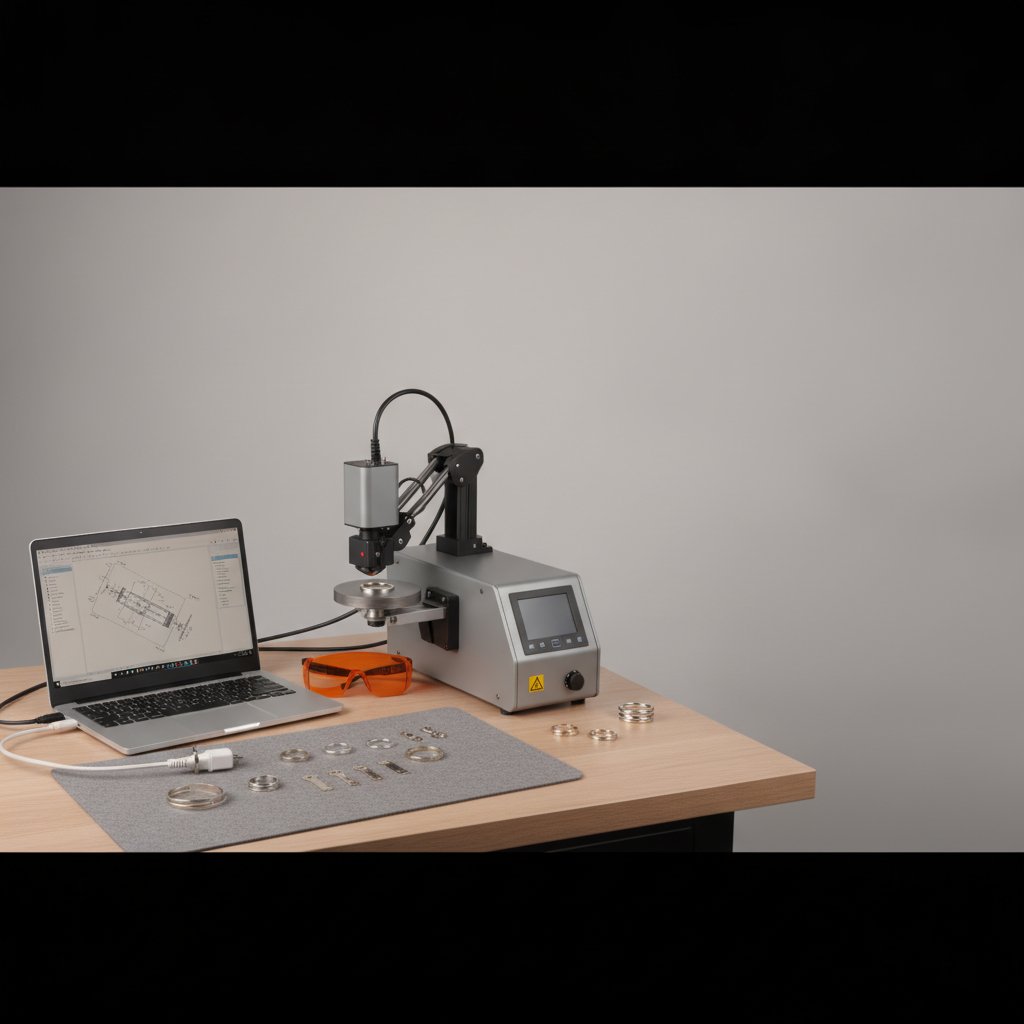
If you own or are looking to buy a galvo fiber laser, you have probably encountered the names EzCad2 and EzCad3. These are the software interfaces that drive most affordable fiber marking machines, but they are not interchangeable. The core difference lies in the controller board that your PC talks to: EzCad2 works with older LMC boards, while EzCad3 is designed for the newer DLC and DLC2 boards. Understanding this distinction is key to knowing what your machine can (and cannot) do, and what an "upgrade EzCad" truly means.
The Hardware at the Core: LMC vs. DLC Boards
At our workshop, we spend every working day cutting and engraving sterling silver on a 100 W MOPA fiber laser. We know from experience that the software is only as good as the hardware it commands. The JCZ controller board is the brain of your laser, acting as the translator between your computer's designs and the physical movements of the galvos and the laser source. It's a critical component, and the EzCad version you run depends entirely on which board generation you have.
- LMC Boards: These are the older generation of JCZ controller boards, typically paired with EzCad2 software. They are robust and reliable for standard marking tasks.
- DLC/DLC2 Boards: The newer generation, these boards are designed to work with EzCad3. They offer more advanced features and greater precision, especially for complex operations. Our own machine uses a DLC2 board.
This means that you cannot simply "install EzCad3" on a machine running an LMC board, or vice versa. An upgrade from EzCad2 to EzCad3 almost always requires a hardware upgrade to a DLC/DLC2 board, which can be a significant investment.
EzCad2: Simplicity and Widespread Use
EzCad2 has been the workhorse software for fiber lasers for many years. It is what most entry-level machines shipped with, and it has proven itself capable for a vast range of industrial marking and engraving tasks.
EzCad2 Strengths
- Simplicity: Its interface is relatively straightforward, making it easier for new users to grasp the basics of laser marking.
- Stability: It is a mature software, well-tested and stable for its intended operations.
- Documentation (Unofficial): Due to its long history, you can find a lot of community-driven information and tutorials online, although official documentation can be sparse.
EzCad2 Limitations
- Limited Features: EzCad2 does not support MOPA laser sources' full pulse shaping capabilities. If you have a MOPA source, EzCad2 can only control its basic on/off and frequency settings, not the pulse width.
- No True 3D Engraving: While it can do some depth engraving, it lacks the advanced Z-axis control and 3D path generation found in EzCad3 for true relief engraving.
- Hardware Dependency: Tied to the older LMC boards, it cannot leverage newer hardware capabilities.
EzCad3: Power, Precision, and a Steeper Curve
EzCad3, along with the DLC/DLC2 controller boards, represents a significant leap forward in capabilities. It's the software that handles the demands of modern laser processing, from detailed jewelry engraving to advanced industrial applications.
EzCad3 Strengths
- MOPA Control: This is a game-changer for many users. EzCad3 fully supports MOPA laser sources, allowing precise control over pulse width (in nanoseconds) in addition to frequency and power. This opens up possibilities for 3D relief engraving, fine surface marking, and even color marking on some metals.
- Advanced 3D Capabilities: EzCad3 offers integrated 3D marking and engraving functions, with better control over focus (Z-axis) during a job, crucial for maintaining consistent spot size over complex geometries.
- Camera Positioning: Many DLC boards support camera integration for precise positioning of parts, which is invaluable for intricate work and batch processing.
- More Control: From managing multiple axes to finer tuning of scanner delays, EzCad3 provides a much deeper level of control over the laser's operation.
EzCad3 Challenges
- Complexity: The wealth of features means a more complex interface and a steeper learning curve. Understanding all the parameters can take time.
- SDK Availability: The SDK for DLC2 boards is licensed separately by JCZ and is not typically included with the machine. This means there's very little third-party software support beyond EzCad3 itself, limiting alternatives if the default workflow doesn't suit your needs. With a JCZ machine, you are, in practice, married to the software that came in the box — a situation that led our own workshop to develop tools for our specific jewelry workflow.
- Critical Configuration Files: EzCad3 relies on several critical files in its
PARAMfolder for machine calibration:Motors.ini,MarkParamlib.ini, the.corcorrection file, andLaserPW.ini. These files are your machine's identity; backing them up is non-negotiable before making any changes.
Diving into EzCad3's Parameters: Our Silver Recipe
One of the areas where EzCad3 shines for our sterling silver jewelry production is its granular control over laser parameters. Here's a look at the settings we use for engraving silver sheet from 0.25 mm to 1 mm, and what each means. Remember, these are our numbers for our 100 W MOPA, 110 x 110 mm field, and sterling silver; you must test on scrap material to find what works for your machine and material.
| Parameter | Our Setting | What it Does |
|---|---|---|
| Speed | 700 mm/s | How fast the galvos move the laser spot. Slower means more energy per millimeter, leading to deeper engraving, but too slow can melt rather than ablate. |
| Power (%) | 95 % | The average power output from the laser source. This works in conjunction with frequency to determine individual pulse energy. |
| Frequency | 40 kHz | The number of laser pulses per second. At a fixed average power, a HIGHER frequency means WEAKER individual pulses. |
| Pulse Width | 200 ns | Only for MOPA sources. Longer pulses deliver more energy per shot, which is good for digging deeper into silver. Shorter pulses are gentler and used for fine surface marks or color marking. |
| Passes (LOOP) | 5 | How many times the laser repeats the entire engraving path. This is the most reliable way to achieve consistent depth without overheating the material. |
| Jump Speed | 2000 mm/s | The speed at which the galvos move when the laser beam is OFF between marks. Counter-intuitively, if this is too slow, it can contribute to stray lines if the laser doesn't turn off fast enough. |
| Laser Off TC | 100 µs | The delay after the last mark before the galvos jump away. Crucial to allow the laser beam to fully extinguish, preventing faint, unwanted lines. |
| Polygon TC | 100 | A small settling delay at corners. Trades sharpness for speed. |
| Min/Max Jump TC | 10 / 85 | Delays at the start and end of jumps. Affects the precision of jump movements. |
| Contour Pass | Enabled | An extra outline pass around a filled area. We find it makes small text crisper and slightly thickens the engraved lines, which is desirable for jewelry. (Learn more about contouring.) |
As you can see, EzCad3 gives us the fine-grained control necessary to consistently achieve the quality we need for sterling silver jewelry, allowing us to tweak everything from the individual pulse characteristics to movement delays. This level of detail is simply not available in EzCad2.
EzCad2 vs EzCad3: A Feature Snapshot
For a quick overview, here’s a comparison of common features:
| Feature | EzCad2 (LMC Boards) | EzCad3 (DLC/DLC2 Boards) |
|---|---|---|
| Controller Board | LMC series | DLC/DLC2 series |
| MOPA Laser Control | Basic (on/off, frequency) | Full (pulse width, frequency, power) |
| 3D Engraving | Limited (no Z-axis control during job) | Integrated (dynamic Z-axis control) |
| Camera Positioning | No | Yes (with compatible hardware) |
| Multi-Axis Control | Limited | Advanced (rotary, linear stages) |
| Interface Complexity | Simpler | More complex, steeper learning curve |
| Third-Party Software Support | Some older tools | Very limited (SDK licensed separately) |
So, Should You "Upgrade EzCad"?
If you're asking if you should "upgrade EzCad," the first question is always: what problem are you trying to solve? If your current EzCad2 setup is reliably doing everything you need, there might be no compelling reason to change. Its simplicity is an advantage if complex features are not required.
However, if you own a MOPA laser source and cannot fully utilize its pulse shaping capabilities, or if you need precise 3D engraving, camera positioning, or finer control over your machine's movements, then EzCad3 with a DLC/DLC2 board is the way to go. Be prepared, though: an "upgrade EzCad" is usually a hardware upgrade, involving replacing your controller board and potentially other components. It's not just a software installation.
Before any decision, always back up your existing machine's configuration files, especially the PARAM folder. These files contain your galvo correction, motor settings, and laser parameters, and are essential for your machine's correct operation. Understanding your PARAM folder is crucial for any EzCad user.
Safety First, Always
Any discussion about operating a fiber laser must include safety. A fiber marking laser is Class 4. The 1064 nm beam is invisible and causes permanent eye damage instantly and silently, even from reflections. Laser safety glasses rated for 1064 nm (with an OD suitable for your source power) must be worn by everyone in the room, always. Never leave a running job unattended. Metal marking produces metal fume and fine particulate — extraction with a proper filter is health equipment, not an accessory. Physical interlocks and enclosures are the real safety layer; software interlocks are a convenience and can be switched off.
Practical Takeaways for Your Workshop
Based on our experience in a working jewelry workshop, here are our key takeaways:
- Know Your Board: The first step is to identify whether your machine has an LMC board (for EzCad2) or a DLC/DLC2 board (for EzCad3). This dictates your software options.
- Define Your Needs: If your work primarily involves basic 2D marking, EzCad2 is perfectly capable. If you're doing intricate jewelry, advanced MOPA engraving, or need 3D capabilities, EzCad3 is essential.
- An "Upgrade" is Hardware: Do not expect to simply download EzCad3 and install it on an EzCad2 machine. Be ready for a controller board replacement.
- Master Your Parameters: Regardless of which EzCad version you use, dedicate time to understanding how each parameter affects your material. Always test settings on scrap material first.
- Back Up Your Configuration: Regularly back up your entire EzCad configuration, especially the
PARAMfolder. These files are your machine's brain, and losing them can mean losing your calibration.
Choosing the right software and understanding your machine's capabilities is a critical step in maximizing your laser's potential. We hope this comparison helps you navigate the EzCad landscape with more confidence.