Color Marking Stainless Steel with a MOPA: What is Realistic
Getting vibrant, consistent color marks on stainless steel with a MOPA fiber laser is possible, but it demands patience and a systematic approach. This guide shares our workshop's practical methods for unlocking stainless steel laser color, focusing on real results and avoiding common pitfalls.
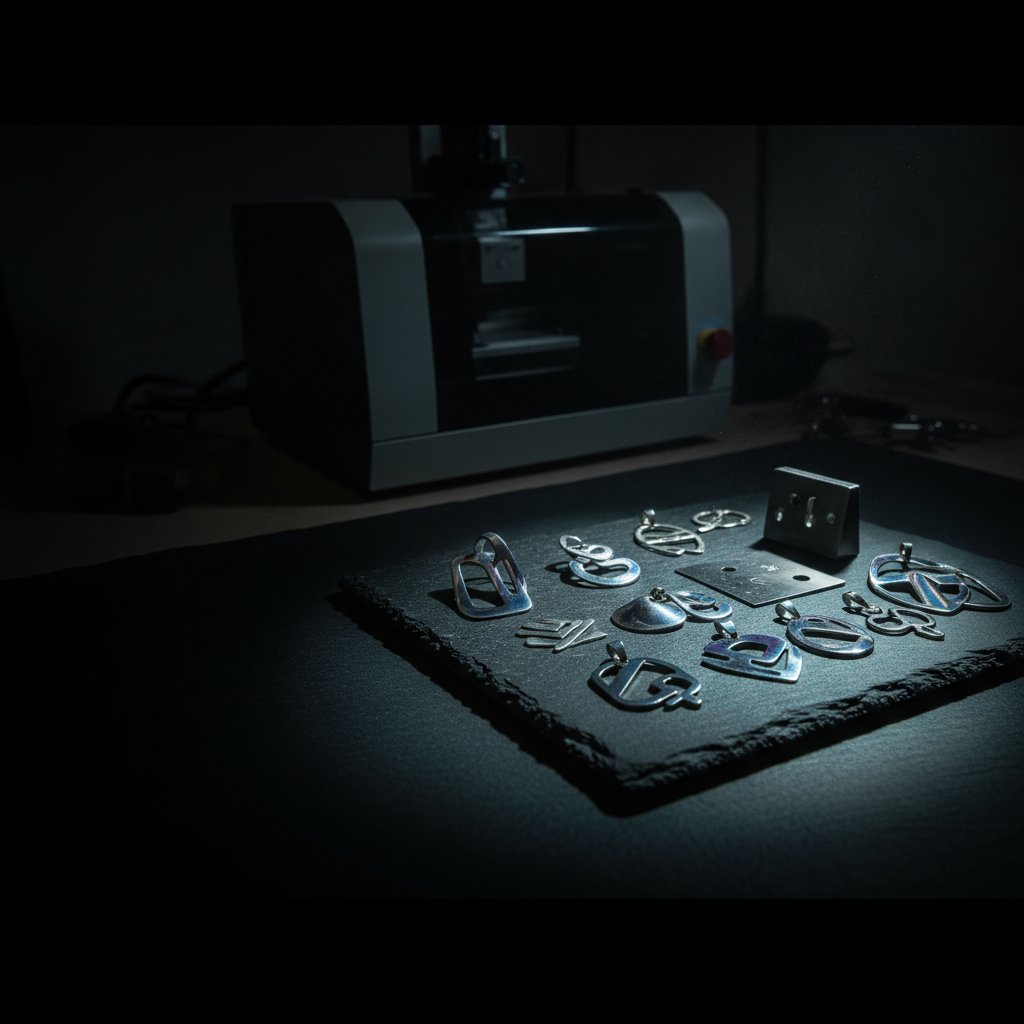
Achieving consistent, repeatable color marks on stainless steel with a MOPA fiber laser is entirely possible, but it is one of the most parameter-sensitive jobs you will ever run. It takes patience, methodical testing, and an understanding of what your MOPA source is actually doing. We learned this the hard way, losing time and material on guesswork.
This article is the practical guide we wish we had found two years ago when we were trying to make our MOPA machine produce reliable rainbow marking. It covers the physics, the practical steps, and what you need to check to get good results today.
Safety First (and Always)
Before we dive into settings and techniques, a critical reminder: a fiber marking laser is a Class 4 device. The 1064 nm beam is invisible and can cause instant, permanent eye damage. Always wear laser safety glasses rated for 1064 nm with an appropriate Optical Density (OD) for your source power, and ensure everyone in the room does the same. Metal is reflective, so stray beams are a constant risk. Never leave a running job unattended. Metal marking produces fine particulate and metal fume; proper extraction with a filter is health equipment, not an accessory. Physical interlocks and enclosures are your real safety layers, not software settings.
What Makes MOPA Color Marking Possible?
Standard Q-switched fiber lasers are excellent for engraving and cutting, but they typically offer limited control over the pulse characteristics. This is where a MOPA (Master Oscillator Power Amplifier) source truly shines. The ability to precisely control the pulse width is the key to unlocking the full spectrum of stainless steel laser color.
The Magic of Pulse Width
Unlike Q-switched lasers, MOPA sources allow you to adjust the duration of each individual laser pulse, measured in nanoseconds (ns). Our 100 W MOPA source, for example, offers a range of fixed pulse widths: 2, 4, 6, 9, 13, 20, 30, 45, 55, 60, 80, 100, 150, 200 and 250 ns.
- Long pulses (150-250 ns): These deposit more energy per shot. They are ideal for deep engraving, cutting, and applications where you need to remove a lot of material. Our silver engraving recipe, for instance, uses 200 ns.
- Short pulses (2-20 ns): These are the secret to color marking on stainless steel. They deliver a gentler, more controlled burst of energy. Instead of ablating material, short pulses cause a precise oxidation and annealing effect on the surface of the steel, creating thin oxide layers that interfere with light, producing different colors. They also work better for marking plastics and anodized aluminum gently.
Crucially, the pulse width you set is a source-level setting and remains active until you change it. It doesn't travel with each individual job file.
Frequency: More Than Just Speed
Frequency (kHz) dictates how many pulses per second your laser source emits. When working with a fixed average power, the frequency directly impacts the energy delivered by each pulse: Energy per pulse ≈ average power ÷ frequency.
- Higher frequency: Means weaker individual pulses (assuming fixed average power). This is beneficial for fine surface marking and clean detail, as well as for cutting through materials like silver.
- Lower frequency: Means fatter, more energetic individual pulses. This is excellent for achieving depth in engraving. We found that dropping our frequency to 30 kHz was the big lever for getting engraving depth in silver, even more so than increasing power.
For color marking stainless steel, you'll be experimenting with both pulse width and frequency to control the specific heat interaction with the surface, which in turn creates the different oxide layers responsible for the colors. This is why test grids are so important.
The Reality of Laser Color Marking Stainless Steel
Stainless steel laser color, often called "rainbow marking" or "anodizing," isn't a simple "set it and forget it" process. The colors are created by extremely thin oxide layers on the surface of the metal, and their thickness is incredibly sensitive to:
- Heat input: Controlled by power, speed, frequency, and pulse width.
- Material composition: Not all stainless steel alloys behave identically.
- Surface finish: A highly polished surface will react differently than a brushed or matte finish.
- Environmental factors: Even ambient temperature and humidity can subtly influence results.
This sensitivity means that a recipe for one shade of blue on one batch of steel might yield purple on another, or nothing at all if you change just one parameter slightly. Consistency is the challenge, but with the right approach, it's achievable.
Your Step-by-Step Guide to Finding Color Parameters
This is where the rubber meets the road. Forget guessing; we use a methodical approach that saves time and material in the long run.
Preparation: The Scraps and The Setup
- Material: Always start with scrap pieces of the exact same type and finish of stainless steel you intend to mark for your final product. Calibrating on a different material is a waste of time.
- Cleanliness: Ensure your scrap is perfectly clean, free of oils, fingerprints, or residues. These can interfere with the laser's interaction with the surface and lead to inconsistent coloring.
- Focus: Set your focal height precisely. Even a tiny deviation from perfect focus will significantly alter the energy density and thus the resulting color.
- Extraction: Make sure your fume extraction is running effectively. Laser marking stainless steel produces fine particulate matter. See our notes on metal fume extraction if you haven't recently checked your setup.
The Test Grid: Your Best Friend
A test grid allows you to systematically explore the parameter space. The principle is simple: change one variable at a time and record the results.
We typically create a grid varying speed on one axis and power on the other, keeping pulse width and frequency constant for that grid. For color marking, we often add another layer of grids, varying pulse width or frequency between each grid sheet.
Here's a starting point for parameters to put into your grid. Remember, these are qualitative starting points, as specific numbers for stainless steel aren't universal:
| Parameter | Typical Range for Color Marking | Effect of Increase |
|---|---|---|
| Pulse Width | Short (2 ns to ~20 ns) | More energy per pulse, deeper interaction, can shift colors or burn through. |
| Frequency | Mid to high (e.g., 50 kHz to 200 kHz) | More pulses per second, lower energy per pulse (at fixed average power), finer control over heat input. |
| Power (%) | Low to mid (e.g., 20% to 70%) | More average power, more heat. Too much will engrave or burn black. |
| Speed (mm/s) | Mid to high (e.g., 500 mm/s to 2000 mm/s) | Faster movement, less dwell time, less heat input. |
| Passes / Loops | 1 or 2 (sometimes more for depth) | Repeats the mark. Critical for building up color layers. |
Example Grid Setup:
- Choose a starting pulse width (e.g., 10 ns) and frequency (e.g., 100 kHz).
- Draw a grid of small squares (e.g., 5 mm x 5 mm) on your scrap material.
- Assign a different speed to each row and a different power to each column.
- Engrave the settings (e.g., "P50 S1500") next to each square. This is crucial for knowing what produced what.
- Run the job.
Interpreting Your Results
Once the job is complete, carefully examine your grid. You'll likely see a range of colors, from light browns and golds to blues, purples, and even greens. Some areas might be too light, others burned black, and some might show no color at all. This is normal.
- Identify the squares that produced the desired colors.
- Note the exact parameters (power, speed, frequency, pulse width, passes) for those squares.
- If you didn't get the desired color, adjust your ranges. For example, if everything burned black, reduce your power and/or increase your speed. If everything was too light, increase power and/or decrease speed.
- You may need to run several grids, incrementally narrowing down your parameters until you find the sweet spot for each specific color you want to achieve.
What Parameters to Adjust (and How)
Once you have a general area on your grid, fine-tune using these levers:
- Pulse Width: This is the primary lever for the type of interaction. Shorter pulses are generally better for delicate colors. Our MOPA offers pulse widths down to 2 ns.
- Frequency: For a given power, higher frequency means lower energy per pulse, which can help with more delicate colors or preventing burning.
- Speed: Higher speed means less interaction time, often leading to lighter colors. Slower speed means more interaction, potentially darker colors or burning.
- Power: Similar to speed, but more direct. Higher power generally deepens color or leads to engraving.
- Passes: Running multiple passes (e.g., 2 or 3) can sometimes deepen or shift colors, but it also increases total heat input and can lead to burning if not careful.
The goal is to find the minimum effective parameters for the desired color, as this usually yields the most stable and repeatable results.
Common Pitfalls and How to Avoid Them
- Inconsistent Colors: Usually due to slight variations in focus, material consistency, or not enough pre-testing. Re-verify your focus and run another grid.
- Burning/Engraving Instead of Color: Your energy input is too high. Reduce power, increase speed, reduce pulse width, or increase frequency.
- No Color at All: Your energy input is too low. Increase power, decrease speed, increase pulse width (slightly), or decrease frequency.
- Ignoring Material Differences: Different stainless steel alloys (e.g., 304 vs. 316) will react differently. Always calibrate for each new batch or type.
- Not Recording Settings: If you don't write down your winning recipe (material, thickness, power, speed, frequency, pulse width, passes, focus height), you'll be starting from scratch next time.
Practical Takeaways for Your Workshop
Color marking stainless steel with a MOPA laser is a powerful capability, but it demands respect for the physics and a methodical approach. Here's what we do in our workshop:
- Safety is Non-Negotiable: Always, always, always wear your rated laser safety glasses.
- Embrace the Grind: Accept that finding the right parameters for each specific color on your specific material will take time and patience. It's an investment, not a quick fix.
- Test on Scrap, Always: Never attempt color marking on a finished piece without proving your settings on an identical scrap. A test grid costs ten minutes; a ruined piece costs far more.
- Understand Your MOPA: Leverage the pulse width control. Start with short pulses (2-20 ns) and experiment with frequency (e.g., 50-200 kHz) to dial in the heat input.
- Calibrate Systematically: Use test grids, varying one parameter at a time. Speed and power are your primary controls, but pulse width and frequency are the secret sauce for color.
- Document Everything: Keep a log of your successful recipes, including all parameters and the specific material and finish.
With this approach, you can move from frustrating guesswork to reliably producing vibrant stainless steel laser colors for your jewelry or other metalwork.