The Black Edge: Finishing and Polishing Silver After Laser Work
Cutting or engraving sterling silver with a fiber laser leaves a dark, oxidized edge. This is normal. Here's how our workshop polishes and finishes every piece to bring back the shine.
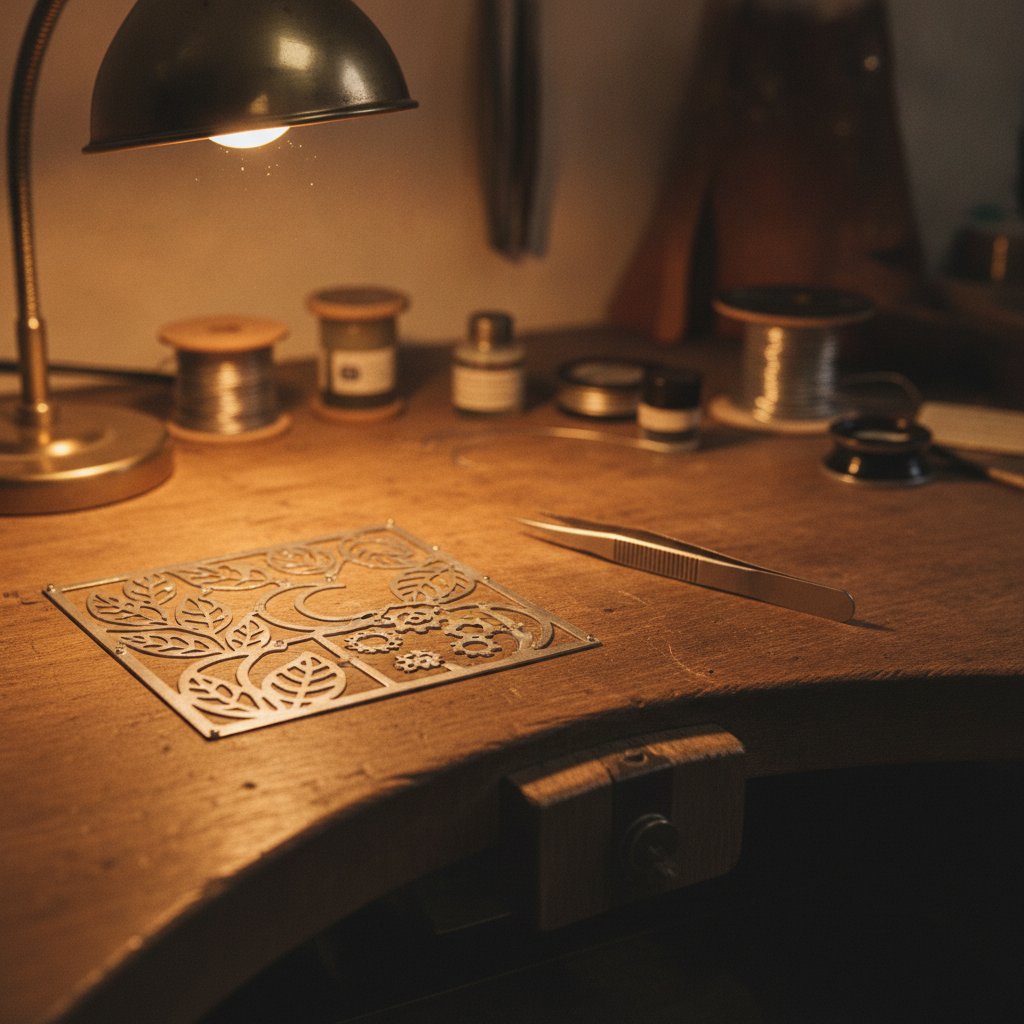
If you have cut or deep-engraved sterling silver with a fiber laser, you have seen it: the edges come out black and oxidized. This is a common problem, and it is normal. Your machine is not broken, and your settings are not necessarily wrong. Here at our jewelry workshop in Málaga, Spain, we deal with this every day. The piece off the machine is simply not the piece you sell. Our solution is straightforward: we polish every piece after laser work to remove the laser burn edge and bring back the shine.
The Inevitable Black Edge on Sterling Silver
When you cut or deep-engrave sterling silver with a fiber laser, the intense heat of the laser beam causes the metal along the cut line to oxidize. This rapid oxidation results in that distinctive dark, sometimes sooty, edge. It is a fundamental chemical reaction, not a sign of poor laser performance or incorrect parameters. Sterling silver is highly reactive to heat and oxygen, and a laser is an extreme source of both.
This laser oxidation silver is a fact of life for anyone working with precious metals on a fiber laser. We have found no setting, short of cutting so slowly that the piece melts, that completely eliminates the black edge on silver. It will always be there to some degree, and it means you need to factor post-processing into your workflow.
Your Post-Laser Workflow: Polishing is Key
Because the black edge is unavoidable, our routine is simple: we always polish after laser cutting and engraving. This is a normal part of the job for us, not an extra step taken when something goes wrong. Polishing removes the oxidized layer, smooths any micro-burrs, and restores the silver's characteristic shine.
Planning for polishing means your design has to survive it. If your engraved details are too fine or too shallow, they can be softened or even removed by the polishing process itself. This is a strong argument for aiming for real engraving depth, rather than a mere surface mark, especially for designs that will see daily wear.
Engraving for Enamel: Depth that Survives Polishing
For jewelry that gets filled with enamel, real depth is critical. The recess has to physically hold the enamel, and it also needs to be deep enough to allow for subsequent sanding and polishing. Our confirmed recipe for deep engraving in silver is 100 % power · 600 mm/s · 30 kHz · 10 passes. The key here is dropping the frequency to 30 kHz; these fatter pulses dig much more effectively than higher frequencies.
Our process for enamel filling involves several steps where depth is crucial:
- Engrave the recess deep enough to hold the enamel.
- Push the enamel into the recess, filling it generously.
- Clean off the excess from the surface around it, ensuring the enamel remains only in the recess.
- If using kiln enamel, fire it according to the manufacturer's instructions.
- After firing, we sand the surface flat and then polish it. This is what gives the piece that flush, professional finish where the color sits perfectly level with the metal. If your engraving is too shallow, sanding will simply remove the color entirely.
Order of Operations: Deep Work, Then Finishing
The sequence of operations is vital. Always complete your deep laser work—cutting and engraving—before you even think about polishing. Polishing first and then marking afterwards means you are working on a surface you can no longer touch up without affecting your laser marks. Any polishing after the laser work will clean up the laser burn edge and improve the overall finish.
For cutting, the order of operations also matters on the laser itself. We always cut interior details, holes, and letters while the piece is still held firmly by the surrounding sheet. The outer outline that frees the piece is cut LAST. If you reverse this, the part can move halfway through the job, ruining your alignment and your piece. Our color-based workflow helps manage this by assigning specific colors to inner and outer cuts.
Calibrating for Clean Cuts (and Less Edge Mess)
While polishing is essential for dealing with the black edge, well-calibrated laser settings can certainly help minimize the amount of oxidation you get. Good settings produce a cleaner cut with less melted debris and less overall heat transfer to the surrounding material.
For cutting sterling silver, our starting point on our 100 W MOPA machine is 95 % power, 190 mm/s, 60 kHz, always with wobble enabled. Wobble is critical for cutting, as it oscillates the beam across the cut line, making the kerf wide enough to eject molten metal instead of re-welding it. If you are struggling with cuts that do not go through, or excessive melting, wobble is worth investigating.
It is important to remember that silver is the most difficult of the common precious metals for laser work. It is highly reflective at 1064 nm and an excellent heat conductor. This is why it requires many passes to cut and benefits greatly from precise focus, rather than simply cranking up the power.
Our Silver Cutting Pass Counts
Here are the pass counts we use on our machine for sterling silver. Treat these as a starting point, not universal settings. Your machine, your silver alloy, and your focus will all affect the outcome. Always prove any recipe on scrap of the same material and thickness.
| Sheet Thickness | Silver Passes (Our Machine) |
|---|---|
| 0.25 mm | ~2 |
| 0.3 mm | ~2 |
| 0.5 mm | ~6 |
| 0.8 mm | 17 |
| 0.9 mm | 21 |
| 1.0 mm | 28-29 |
For cutting, pass count is your primary lever for getting through, not power. Turning the power up excessively on a job that will not cut usually just widens the kerf and heats the piece unnecessarily. Also, note that high frequency (60 kHz) wins for cutting through; low frequency (like 20 kHz) makes cuts worse because the pulses are too fat for efficient material ejection.
A Note on Gold: Easier but Still Needs Calibration
Gold, surprisingly, behaves much better under a fiber laser than silver. It reflects less of the 1064 nm beam, meaning more of your laser power is absorbed and does useful work. If you have only ever cut silver, cutting gold will feel like your machine suddenly got an upgrade.
The recipe for gold does not change from silver: 95 % power, 190 mm/s, 60 kHz, wobble on. Only the number of passes changes. Our gold table works out at roughly half the passes we use on silver for the same thickness. However, these are derived numbers, not directly measured on our gold stock. They are a starting point for calibration and must be proved on scrap. Karat and alloy significantly change behavior; 18k yellow is not 14k, and white gold will respond differently.
| Sheet Thickness | Gold Passes (Starting Point, Derived) |
|---|---|
| 0.25 - 0.4 mm | 2 |
| 0.5 mm | 3 |
| 0.6 mm | 4 |
| 0.7 mm | 6 |
| 0.8 mm | 9 |
| 0.9 mm | 11 |
| 1.0 mm | 14 |
Start low and work up when calibrating gold. A cut that does not go through costs you one more pass; a cut with too many passes widens the kerf, heats the piece, and can distort thin sections. Gold is too expensive to learn on by making mistakes.
Safety First: Working with a Class 4 Laser
A fiber marking laser is a Class 4 device. The 1064 nm beam is invisible and causes permanent eye damage instantly and silently. Laser safety glasses rated for 1064 nm (with an OD suitable for your source power) must be worn by everyone in the room, always. Metal is highly reflective, so reflections go everywhere. Never leave a running job unattended. Metal marking produces metal fume and fine particulate, so proper extraction with a filter is health equipment, not an accessory.
Practical Takeaways for Your Bench Today
Dealing with the black edge on laser-cut or engraved silver is a standard part of jewelry manufacturing, not a problem to be solved with elusive "perfect" laser settings. Here is what we do at Joyería HAGO:
- Expect the black edge: Accept that laser oxidation silver will occur. It is a natural consequence of the process.
- Plan for polishing: Integrate polishing and finishing into your workflow for every piece. This is how you achieve a salable finish and remove the laser burn edge.
- Design for durability: Ensure your engraved details have enough depth to survive sanding and polishing.
- Order of operations matters: Laser all cuts and engravings before any finishing. On the laser, cut interior details before the final outer contour.
- Calibrate carefully: Use our recipes as a starting point, but always calibrate on scrap of your specific material and thickness. Change only one variable at a time.
- Frequency matters: Use high frequency (60 kHz) for cutting through, and lower frequency (around 30 kHz) for deep engraving.
By understanding these principles and implementing a disciplined post-laser workflow, you can consistently produce high-quality jewelry from your fiber laser.