Fiber Laser Field Size: Choosing the Right Lens for Jewelry
The "field size" of your fiber laser is dictated by its F-theta lens, setting the maximum area you can mark or cut without moving your workpiece. It’s a critical choice, directly impacting your laser's effective power and precision.
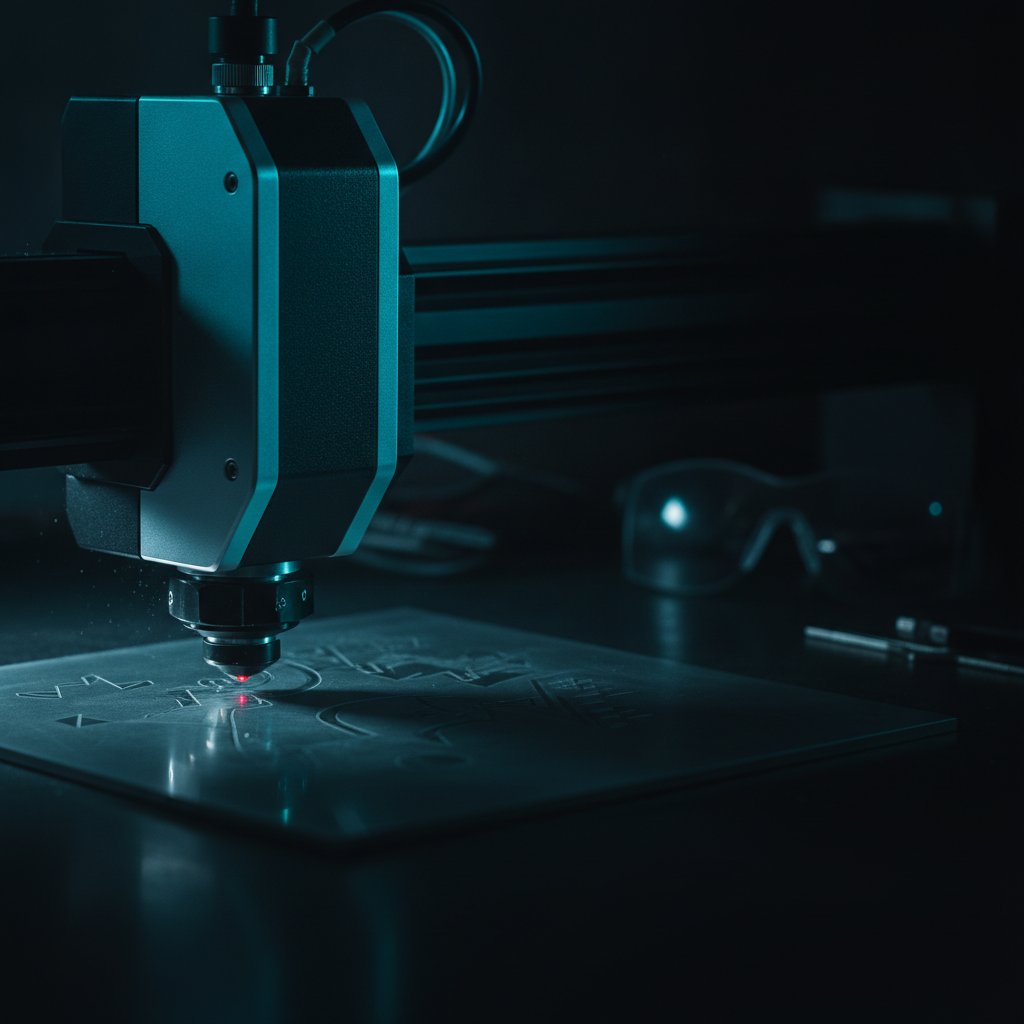
The "field size" of your fiber laser is determined by its F-theta lens. This lens sets the maximum square area the galvos can reach, marking or cutting without you having to reposition your material. It is one of the most fundamental choices you make for your machine, because it directly impacts your laser's effective power and the quality of your work.
For us, running a jewelry workshop in Málaga and cutting sterling silver daily, understanding this trade-off was crucial. We spent too long losing silver to problems that boiled down to not having this information clear. This is what we wish we had known from the start.
What is a fiber laser's field size?
Think of it like a spotlight. Your fiber laser source emits a powerful, invisible beam. The galvo mirrors direct this beam across your material. The F-theta lens is the final piece of optics that focuses this beam onto your workpiece, creating a tiny, powerful spot. The "field size" is simply the maximum square area that this focused spot can reach accurately across your work surface.
Our machine, for example, shipped with an F-theta lens that gives us a 110 x 110 millimeter working field. This means we can process any piece that fits within that square area without needing to move it.
The name "F-theta" comes from the lens's specific optical property: it ensures that the focal spot's position is proportional to the scanning angle (theta) of the galvo mirrors. This is what allows for a flat, distortion-free image across the entire working area, unlike a standard lens that would only focus perfectly at the center.
The fundamental trade-off: Area versus effective power
Here’s the core principle that often gets overlooked: the smaller the field size, the more concentrated and powerful your laser spot becomes. Conversely, a larger field size spreads the same laser power over a wider area, making the spot weaker and coarser.
Imagine using a magnifying glass to burn a leaf with sunlight. If you hold the glass close to the leaf, you get a tiny, intense spot that burns quickly. If you lift the glass far away, the spot gets larger and less intense, making it harder to burn anything. Your F-theta lens works in a very similar way.
Our 100 W MOPA fiber laser, with its 110 x 110 mm field, delivers high power density. This is essential for cutting silver sheet from 0.25 mm to 1 mm, and for achieving precise, deep engraving. If we were to switch to a larger lens, say 200 x 200 mm, the same 100 W of power would be spread over a much larger area. This would result in:
- Slower, shallower engraving.
- Less effective cutting, potentially requiring many more passes or being unable to cut thicker materials.
- A larger minimum spot size, reducing fine detail capability.
This is why, for jewelry work where precision and power density on small parts are paramount, a smaller field size is almost always the right choice. For a deeper dive into how power affects engraving, you might find our article "Engraving Depth: Why Your 100W Fiber Laser Can Engrave Shallower Than a 30W" helpful.
Field size and engraving quality
The field size doesn't just affect power; it also influences the quality and consistency of your marks.
Spot size and focus consistency
While an F-theta lens aims for consistent focus across the field, there are always minor variations. A smaller field inherently means less optical distortion and a more consistent spot size from the center to the edges. With a larger field, you might notice slight differences in line thickness or engraving depth, especially towards the very edges of the working area.
Galvo movement and delays
The galvo mirrors have to move the laser spot across the entire field. In a larger field, the mirrors have to travel greater angular distances, which can introduce more settling time and potential for error. Parameters like Polygon TC (corner delays) and Jump TC (delays at the start/end of jumps) become even more critical to dial in on larger fields to maintain crispness and avoid issues like stray lines across your engraving.
For our silver engraving, we use parameters like those below, which rely on the concentrated power of our 110 x 110 mm field:
| Parameter | Our Typical Value (110x110 mm field) | Impact on Quality/Power |
|---|---|---|
| Speed | 700 mm/s | Faster speeds require higher power density to achieve desired depth. Slower on larger fields to compensate for less power. |
| Power (%) | 95 % | High average power. With a smaller field, this translates to intense energy per spot. |
| Frequency | 40 kHz | Lower frequency (at fixed power) means stronger individual pulses, good for digging into silver. |
| Pulse Width (MOPA) | 200 ns | Longer pulses deliver more energy per shot, crucial for cutting and deep engraving silver. |
| Passes (LOOP) | 5 | Multiple passes are the honest way to achieve depth, regardless of field size, but especially important with less power density. |
| Jump Speed | 2000 mm/s | Critical for avoiding stray lines; needs careful tuning alongside Laser Off TC. |
Remember, these are parameters for our machine and our silver. You must always test on scrap material to find what works for your specific setup and desired outcome.
How to find your machine's actual field size
Do not just trust the marketing specifications or what was printed on a sticker. The true field size of your galvo fiber laser is defined by the F-theta lens installed on it, and its configuration is stored within your EzCad3 software settings.
Most affordable galvo fiber lasers ship with a controller board from BJJCZ, driven by EzCad3 (for DLC/DLC2 boards). The machine's critical calibration files, including the galvo correction file (.cor) and axis data (Motors.ini), are stored in EzCad3's PARAM folder. These files contain the information that tells the software the dimensions of your specific F-theta lens and how to correct for its geometry.
If you're unsure, you can often visually inspect the lens itself for markings, or check the settings within EzCad3. Knowing your true field size is key to understanding your machine's capabilities and limitations.
Safety first: a quick reminder
Anytime you are operating a fiber marking laser, remember that it is a Class 4 device. The 1064 nm beam is invisible and can cause instant, permanent eye damage from direct exposure or reflections. Always wear laser safety glasses rated for 1064 nm with an appropriate OD for your source power. Ensure proper extraction to deal with metal fumes and particulate, and never leave a job running unattended. Physical interlocks and enclosures are your primary safety layers; software checks are a convenience that can be overridden.
Practical takeaways for your workshop
When you're choosing or working with a fiber laser, especially for jewelry, keep these points in mind:
- For jewelry, smaller is better: Our experience cutting and engraving sterling silver shows that a small field, like our 110 x 110 mm, provides the necessary power density for precision and efficiency.
- Understand the trade-off: If you need to mark very large items, you might have to accept a larger field size, but be prepared for slower, shallower work and potentially less fine detail. You won't get the same cutting power as a smaller field.
- Verify your field size: Don't assume. Check your machine's actual lens and EzCad3 configuration files to confirm your working area.
- Test, test, test: Regardless of your field size, always run tests on scrap material to dial in your parameters. What works for our machine and silver might need adjustments for your setup and materials.
Choosing the right field size, or understanding the one you have, is a foundational step in mastering your fiber laser for detailed work. It’s a decision that will impact everything from your cutting speed to the crispness of your smallest engravings.