Calibrating a Metal You've Never Cut Before
When you put a new metal on your fiber laser, you're starting from scratch. Here's our workshop's practical guide to calibrating settings, finding focus, and cutting without wasting material.
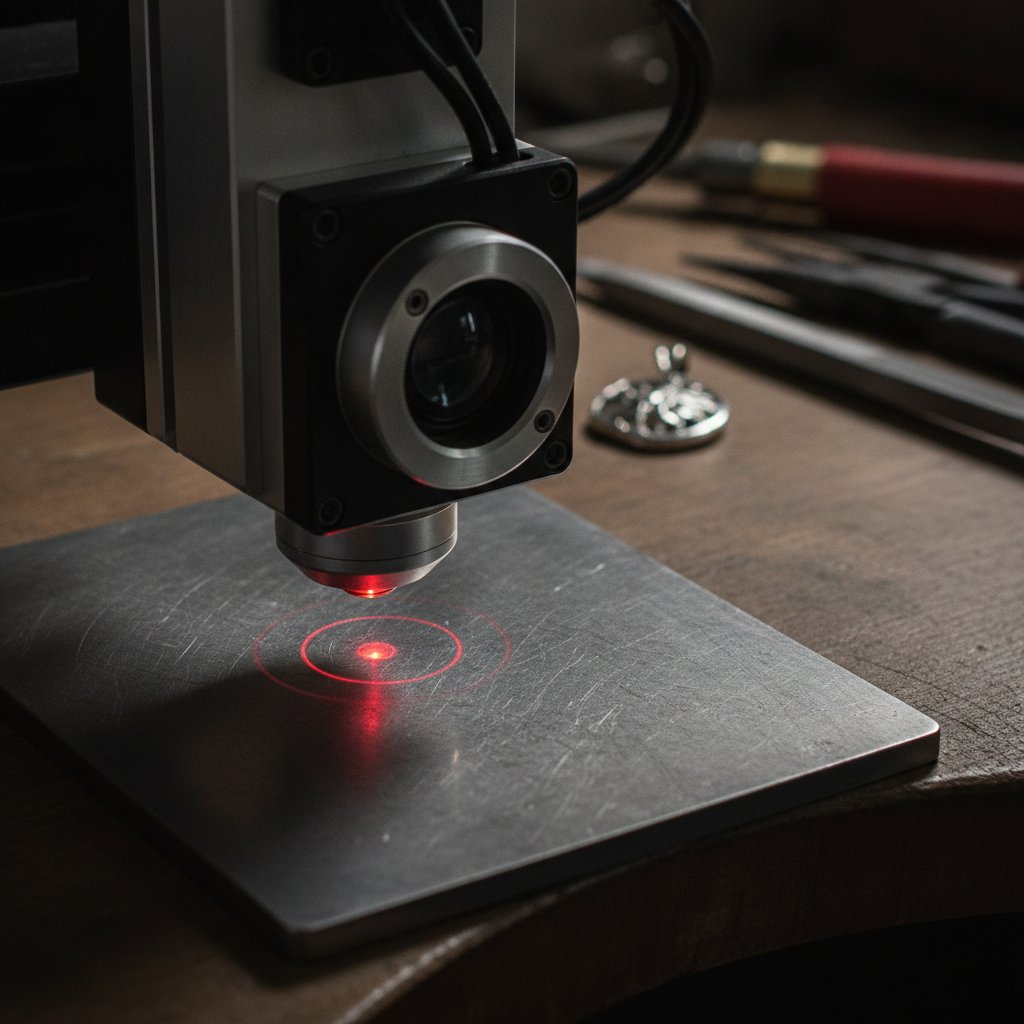
Putting a new metal, or even a new thickness of a familiar metal, onto your fiber laser can feel like starting from zero. You have a job to do, and your machine is ready, but you're missing the most important piece of all: settings that actually work. We've been there, losing silver to guessing games and problems nobody had written down.
This guide is the practical how-to we wished we had found two years ago. It covers the steps we follow in our workshop in Málaga, Spain, to calibrate a new material for cutting or engraving on our galvo fiber laser, focusing on what to check and what it costs if you get it wrong.
Safety First: Before You Touch Anything
Before you even think about firing the laser, understand this: a fiber marking laser is a Class 4 device. The 1064 nm beam is invisible, and its reflections cause permanent eye damage instantly and silently. Always wear laser safety glasses rated for 1064 nm (with an OD suitable for your source power), and ensure everyone else in the room does too. Metal is a mirror, and reflections go everywhere. Never leave a running job unattended. Also, remember that metal marking produces metal fume and fine particulate – proper extraction with a filter is health equipment, not an accessory. Software interlocks are convenient, but they are not your primary protection; physical enclosures are the real safety layer.
The Foundation: Focus Height and Why It Matters
If there's one setting that ruins more cuts than any other, it's focus height. It's also the easiest to get wrong, especially with new materials.
Your machine has a factory-calibrated focus point. On our machine, this lives in EzCad3's Motors.ini as m_dFocusPos, which is -59.6 mm. This number represents the head position where the surface of the platform is in focus.
When you place material on the platform, its top surface is higher than the platform. So, the rule for correct focus is simple: Z = focus + material thickness. For example, if you're cutting 1 mm thick sheet on our machine, the Z height should be -58.6 mm (-59.6 mm + 1 mm). This might seem like a small detail, but it's absolutely critical.
We verified this the hard way: on our machine, -58.5 mm cuts, but -56.5 mm does not cut at all. That's only 2 mm of defocus. A ±0.5 mm error is barely noticeable in the mark but 2 mm kills the cut completely. For months, our own software needed far more passes than EzCad3 for the same job, simply because our Z reference was about 2.1 mm too high. Fixing the reference fixed the pass count immediately.
If your cuts suddenly got worse and nothing in the file changed, check your focus before you touch power. A bent jig, thicker material, or a platform that shifted can all make "the laser got weaker" appear as the problem, when it's really just focus.
Your First Test Grid: Finding Engraving Settings
When approaching a new metal, we always start with engraving test grids. It's a quick way to understand how the material reacts to the laser without the commitment of a through-cut. Test grids are the ten minutes that stop you ruining a real piece.
Always calibrate on scrap of the same alloy and thickness. The goal is to change one variable at a time. A simple grid of speed against power, with its own settings engraved next to each square, tells you more in ten minutes than an afternoon of guessing.
Understanding Engraving Parameters
Here’s what each setting actually does, based on our experience:
- Speed: How fast the galvos drag the laser spot. Slower means more energy per millimeter, leading to a deeper and wider mark. Too slow, and you start melting instead of ablating. Our silver engraving recipe uses 700 mm/s.
- Power (%): The average power output from the source. This isn't the whole story; frequency plays a big role too. Our silver engraving uses 95% power.
- Frequency (kHz): The number of pulses per second. Energy per pulse is roughly average power divided by frequency. So, at a fixed power, higher frequency means weaker individual pulses. For depth, you often want lower frequency (fatter pulses). Our silver engraving recipe uses 40 kHz.
- Pulse Width (ns): Only on MOPA sources. Long pulses (like our 200 ns for silver engraving) put more energy into each shot and dig deeper. Short pulses (2-20 ns) are gentler, used for color marking on stainless steel or delicate plastics.
- Passes / Loops: How many times the whole geometry is repeated. This is the honest way to get depth. Our silver engraving uses 5 passes.
- Laser Off TC (microseconds): The delay after the last mark before the head jumps. Too short, and the beam can still be live while the head moves, drawing faint stray lines. Our recipe uses 100 µs.
A genuinely counter-intuitive result we measured against a 30 W machine was that our 100 W source initially engraved shallower on the same material. The reason was that the 30 W machine was at 30 kHz and 500 mm/s, while we were at 40 kHz and 700 mm/s. Its individual pulses were fatter, digging faster despite less average power. For depth, we found dropping our frequency to 30 kHz was the big lever. Our confirmed recipe for engraving that gets filled with enamel uses 100% power, 600 mm/s, 30 kHz, 10 passes in silver.
Moving to Cutting: The Critical Role of Wobble and Frequency
Once you have a handle on engraving, you can move to cutting. This is where wobble and frequency become paramount.
Setting Wobble for a Clean Cut
Cutting metal with a fiber laser almost always uses wobble: the beam oscillates sideways across the cut line. This isn't just a fancy effect; it's essential. A wider kerf (the width of the cut) lets the molten metal escape instead of re-welding behind the beam, which is what happens if the kerf is too narrow.
Our working silver cutting recipe uses a wobble diameter of 0.15 mm. This might seem small, but it's critical. We once had the diameter set to 0.015 mm instead of 0.15 mm (a factor of ten, one decimal place error). A 15-micron wobble is effectively a thin line: it marked perfectly but never opened the cut. Everything else was correct, but the machine simply would not go through. So, if a recipe that used to cut suddenly only engraves a line, check your wobble diameter before you touch anything else. It’s the single most misleading failure on the machine.
Finding the Right Pass Count
For cutting, pass count, not power, is usually the lever for getting through. Turning the power up on a job that won't cut often just widens the kerf and heats the piece, leading to distortion.
Our common recipe for cutting sterling silver sheet on the platform is 95% power, 190 mm/s, 60 kHz, with wobble enabled. Here are the pass counts we actually use on our machine:
| Material Thickness | Sterling Silver Passes (Measured) |
|---|---|
| 0.8 mm | 17 passes |
| 0.9 mm | 21 passes |
| 1.0 mm | 28-29 passes |
These are our measured numbers for our machine and our specific harder silver alloy, made for laser work. They are a starting point, not gospel, and your alloy will behave differently. Fitting those three real points gives a curve of roughly passes ≈ 27.5 × thickness^2.23 (thickness in mm), which predicts thinner recipes well (0.3 mm → 2, 0.5 mm → ~6), but every derived recipe must be proved on scrap.
For cutting, high frequency wins. We tried dropping the cut to 20 kHz (fat pulses) on 0.3 mm silver, and it cut worse – 16 passes and it still didn't go through. Back at 60 kHz, it cuts in a handful. This is the opposite of engraving, where low frequency often works better for depth.
What About Gold?
Gold is noticeably easier than silver. Silver is the most reflective metal there is and an excellent heat conductor, so it rejects much of the beam and carries away the heat that does get in. Gold reflects less, and the difference on the bench is obvious. If you've only ever cut silver, gold will feel like the machine got better.
Our cutting recipe for gold does not change from silver: 95% power, 190 mm/s, 60 kHz, wobble on. Only the number of passes changes. Gold needs roughly half the passes we use on silver for the same thickness. Remember, these are derived starting points, not measured in gold directly, and must be proved on scrap:
| Sheet thickness | Gold passes (starting point) |
|---|---|
| 0.25 - 0.4 mm | 2 |
| 0.5 mm | 3 |
| 0.6 mm | 4 |
| 0.7 mm | 6 |
| 0.8 mm | 9 |
| 0.9 mm | 11 |
| 1.0 mm | 14 |
Start low and work up. A cut that doesn't go through costs you one more pass; a cut with far too many passes widens the kerf, heats the piece, and distorts thin sections. Gold is expensive to learn on. Also, remember that karat and alloy change everything. 18k yellow is not 14k, and white gold behaves differently.
Documenting Your Recipe: Reproducibility is Key
Once you find a winning recipe, write it down immediately. A recipe missing any one of these details is not reproducible:
- Material and specific alloy (if known)
- Thickness
- Power (%)
- Speed (mm/s)
- Frequency (kHz)
- Pulse width (ns, for MOPA sources)
- Number of passes
- Wobble diameter (for cutting)
- Focus height (Z = focus + material thickness)
Recalibrate when anything in the chain changes: a new material supplier, a different alloy, a new jig height, or even cleaned optics. "It worked last month" is not a setting. Also, remember that recipes are not transferable between metals; our silver curve does not predict gold, and gold needs its own calibration points.
One final note: the laser leaves a black edge. Cut or deep-engrave silver or gold, and the edges will come out oxidized and dark. The piece off the machine is not the piece you sell. Our routine is to polish and bring the shine back after marking. Plan for it: any design has to survive polishing.
Practical Takeaways: What We Do First
When we face a new material, this is our actual order of operations:
- Safety Check: Glasses on, extraction on, no distractions.
- Focus First: Measure the material thickness and calculate the correct Z height:
Z = (factory focus from Motors.ini) + (material thickness). This is non-negotiable. - Small Engraving Test Grid: On a piece of scrap, set up a simple grid varying speed (e.g., 500, 700, 900 mm/s) against power (e.g., 60%, 80%, 100%). Use a mid-range frequency (e.g., 40 kHz) and a reasonable pulse width (e.g., 100-200 ns for depth). Mark the settings next to each square. This gives you a feel for how the material absorbs the laser.
- Refine Engraving: Based on the first grid, pick a promising power/speed combination and then create a new grid to fine-tune frequency and passes for the desired depth. For depth, remember to try lower frequencies before increasing power.
- Move to Cutting (if applicable): Apply the same power/speed/frequency (high for cutting!) as your engraving baseline. Crucially, enable wobble with a generous diameter (e.g., 0.15 mm). Start with a low pass count (e.g., 5-10 passes for thinner materials) and increase until it just barely cuts through.
- Document Everything: Write down all parameters, including focus height and wobble, for the winning recipe.
- Test on a "Real" Scrap: Before using it on a customer piece, run the full job on a scrap piece that mimics the final product in all dimensions.
Calibrating a new metal is boring work, but it saves hours of frustration and expensive mistakes. Do it once, do it right, and your machine will serve you well.